Senior Safety & Aging in Place · North Texas
Safe at home.
Private by design.
One system for home security, a help button, smart locks and family alerts, designed around how your parent actually lives. Installed and explained in person by a licensed North Texas team.
Our approach
Independence for your parent. Peace of mind for you.
The answer isn’t more cameras. It’s the right device in the right place.
Private rooms stay private
Cameras cover entries and outside the home. Inside, small sensors notice activity, like a door opening, not faces.
Family stays in the loop
Alerts go to the people you choose when something needs attention: the help button is pressed, a door opens overnight, water is leaking, or the AC fails in July.
Help gets in fast
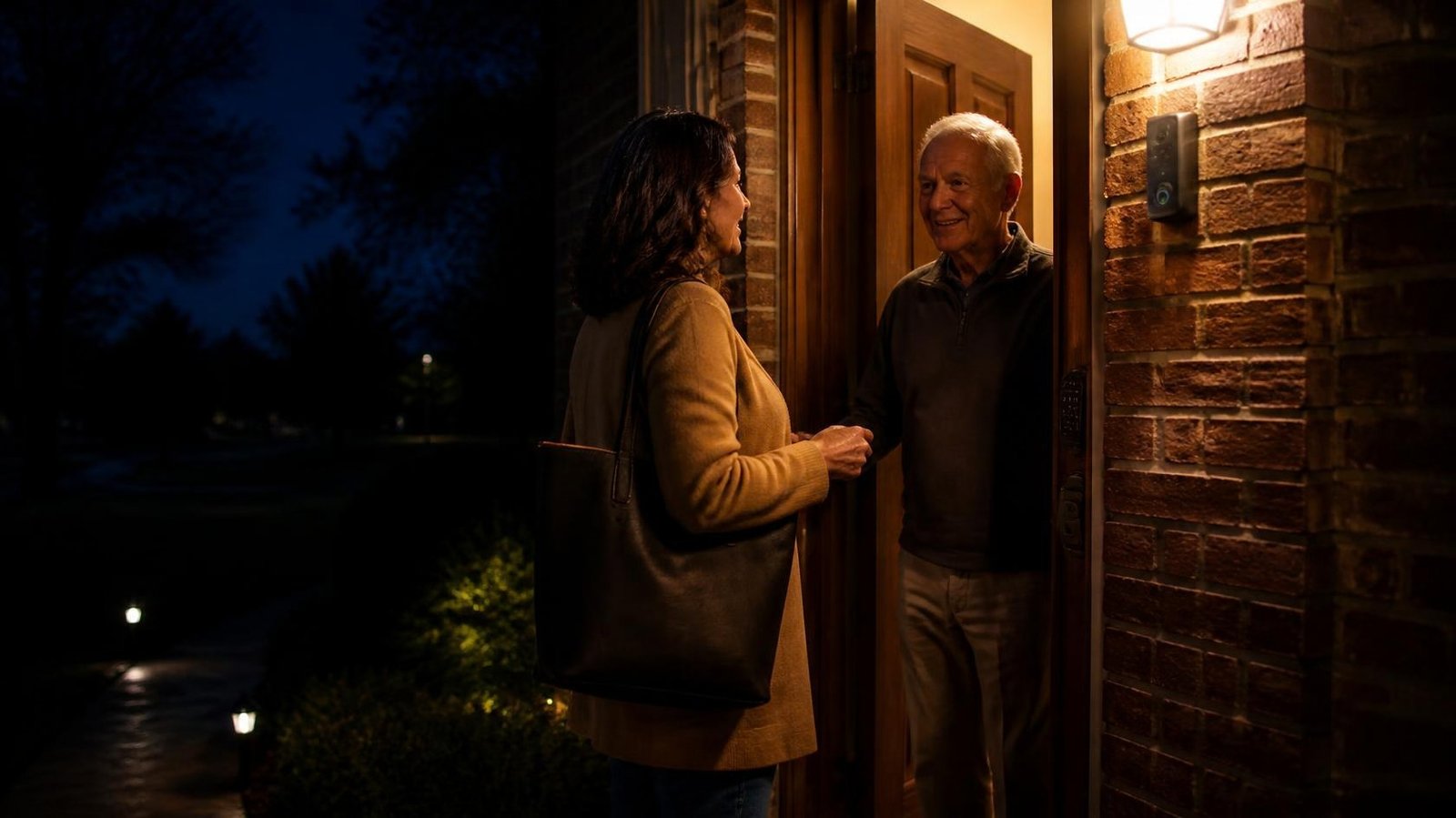
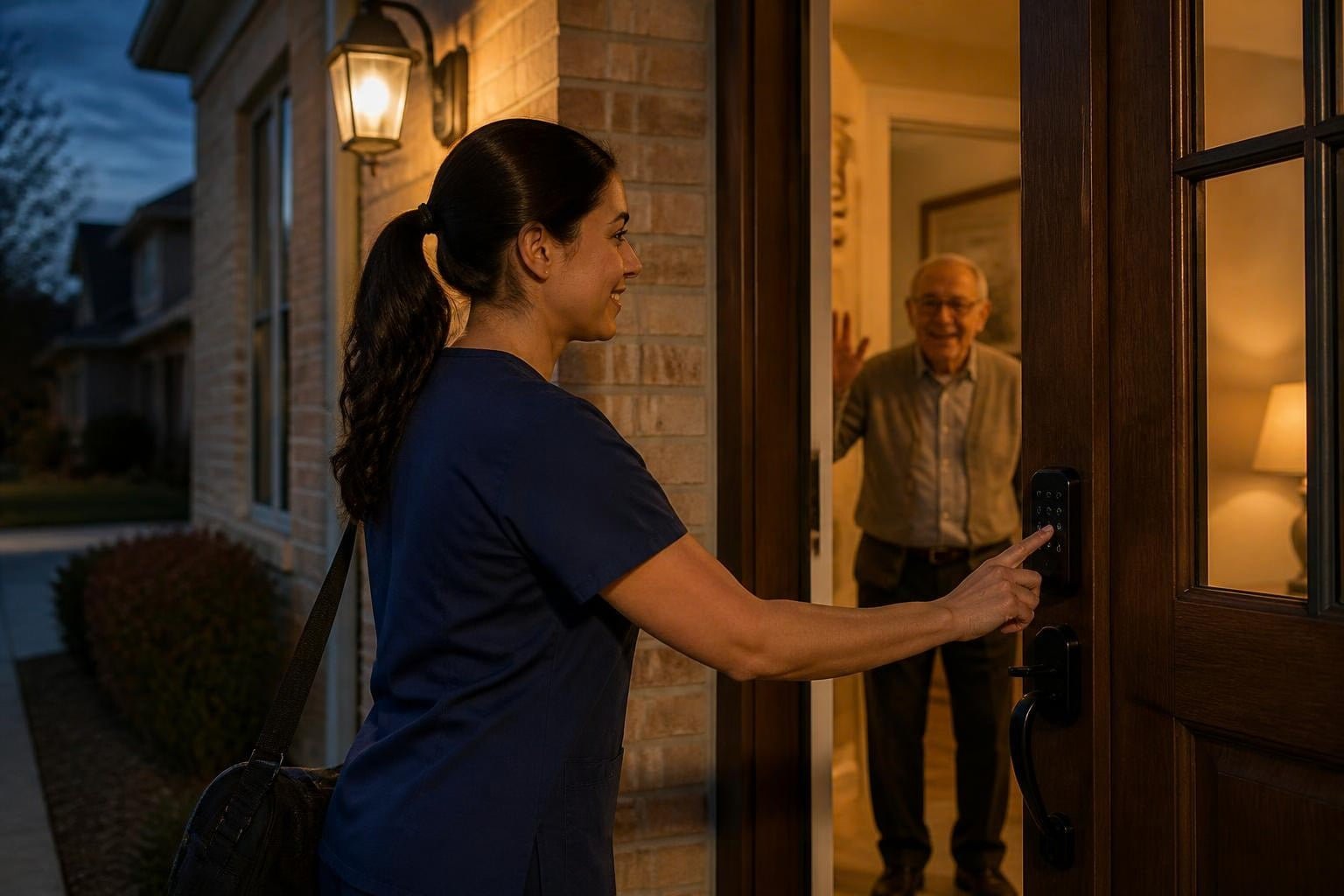
A smart lock with codes for family, aides and first responders means no hidden key under the mat and no broken door in an emergency.

For seniors
Your home. Your routine.
Nothing watching you in your living space. Just quiet protection that’s there when you need it.
- A help button you can wear or mount where you need it
- See who’s at the door before you open it
- No hidden keys, with codes for the people you trust
- Simple to use: no smartphone required
Senior safety packages
Three packages. One clear price before we start.
Every package includes in-person setup and app training for your parent and family. Final equipment is confirmed at your free walkthrough.
SafeStart
- Security hub with mobile app
- Video doorbell: see and talk to visitors without opening the door
- 2 door sensors + 1 motion sensor
- Wireless help button (wearable or wall-mounted)
- Water-leak sensor + indoor temperature sensor for AC-failure alerts
- In-person setup and app training
SafeLiving
- Everything in SafeStart
- Smart lock with codes for family, aides and first responders
- 2 exterior cameras (front and back entries)
- Routine-change alerts, like an exterior door opening overnight
- Plug-in motion night lights along the bedroom-to-bathroom path
- Up to 4 family members on the app + a written Family Alert Plan
SafeLiving Plus
- Everything in SafeLiving
- 2 more exterior cameras (garage, side or backyard)
- Extra help buttons for the bathroom and bedroom
- Additional motion sensors for whole-home activity alerts
- Unlimited family members on the app
- Annual on-site safety check and battery replacement
How it works
Simple for your parent. Clear for your family.
Free walkthrough
We walk the home with your parent, and you join in person or by video.
Clear recommendation
Good, Better or Best, with the install and monthly price on one page.
Installed and explained
We set up the app for every family member and leave a written Family Alert Plan.
We check in
A 30-day follow-up call, and local service whenever you need it.
For adult children
Helping a parent live on their own?
You want to know they’re OK without hovering. They want their independence. We design the system around both.
- You choose who gets which alerts, and when
- Siblings can share the app, so no one carries it alone
- Temporary lock codes for aides, cleaners or visiting family
- We talk with your parent, not around them
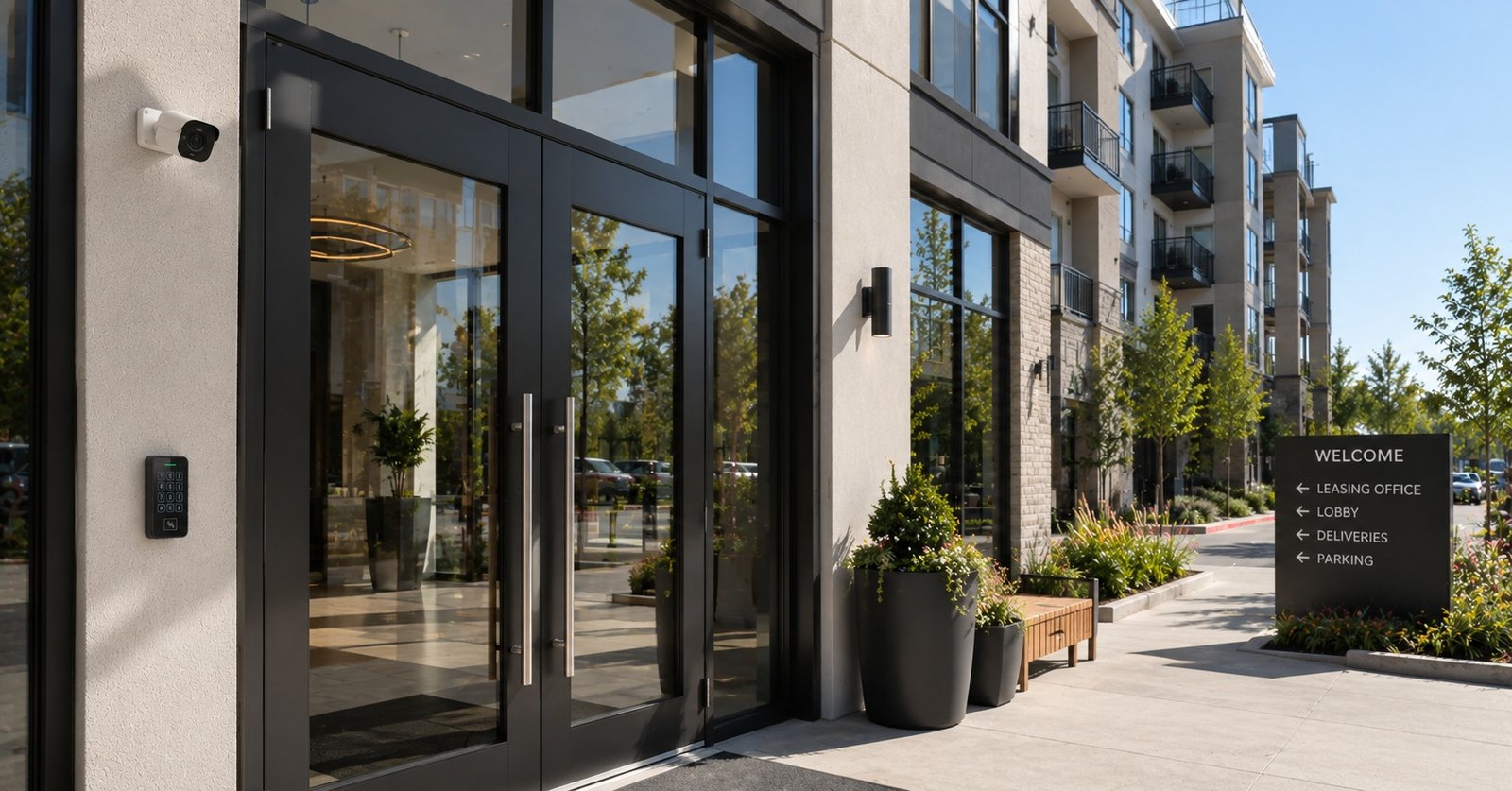
Senior communities & care homes
Run a senior, 55+ or assisted-living property?
We retrofit and enhance the security you already have, with access residents can actually use and AI added to your existing cameras. No rip-and-replace.
- Cameras on entries, parking and amenities, never private rooms
- Video intercoms and credentials residents and staff can manage
- Exit-door alerts that help staff respond faster
- Audit trails for families, owners and inspections
Questions families ask
Frequently asked questions
Do you put cameras inside the home?
Not in bedrooms or bathrooms. Ever. Most senior safety systems we design use cameras only at entries and outside. Inside, we use small sensors that notice activity, like a door opening, not video.
Who gets the alerts?
The people you choose: your parent, family members, a neighbor or a caregiver. You decide who is notified and for what, and we put it in a written Family Alert Plan.
How do first responders or aides get in?
A smart lock with permanent or temporary codes lets EMS, aides or family get in without a hidden key or a broken door. Codes can be changed from the app at any time.
Does my parent need a smartphone?
No. The help button and sensors work without your parent using an app; family members use the app. Internet and power requirements depend on the equipment and are confirmed at the walkthrough.
Can you work with what’s already in the home?
Yes. If your parent already has a doorbell camera or an alarm system, we check what can be kept before recommending anything new.
What does it cost?
Installed packages start at $799, $2,199 and $3,499, plus a monthly service plan from $34.99/month that includes the caregiver app. Your exact price is in a written proposal after the free walkthrough. Have a written quote from another installer? Ask about our Price Beat offer for eligible like-for-like installation quotes (monthly fees are excluded; terms apply).
Do you serve senior apartments and care homes?
Yes. See community security or request a free 15-minute walkthrough of your property.
Get started
See what your parent’s home needs, for free.
A walkthrough takes about 45 minutes. No pressure, and a clear written recommendation.
Help buttons and alerts notify the contacts you choose; they do not replace 911, emergency services or medical care. Equipment, placement and pricing are confirmed in your written proposal. Images are representative.
Powerhouse Guardians Corp · Texas DPS License #B30802201 · 7300 State Highway 121, Suite 300 PMB 1008, McKinney, TX 75070 · (469) 927-6524