
Residential Security Across Dallas–Fort Worth
Español: seguridad para el hogar →
Home Security Systems in Dallas–Fort Worth
Powerhouse Guardians installs home security systems in Dallas–Fort Worth, including monitored alarms, video doorbells and outdoor cameras. Alarm monitoring starts at $34.99/month. Choose a video plan if you want to see who is at the front door or check a driveway alert from your phone. Installation is quoted separately after a free site review.

Alarm.com Monthly Plans
How much does monitored home security cost in DFW?
Home Monitor starts at $34.99/month for professional alarm monitoring through our central-station partner, cellular communication and app control. Home Video starts at $54.99/month for households that want cameras. Compare home security packages and installation options for a prewired home or a new system.

Home Monitor
$34.99/mo
Professional monitoring, a cellular connection, and arm, disarm and alerts from the Alarm.com app.
Home Smart
$44.99/mo
Everything in Home Monitor, plus locks, thermostat, garage door, lights and water-leak alerts.
Home Video
$54.99/mo
Everything in Home Smart, plus up to 4 cameras including a video doorbell, with smart video detection.
Home Video+
$64.99/mo
Everything in Home Video, plus 24/7 continuous recording and up to 8 cameras. Needs an on-site video recorder, quoted with your system.
Installation is quoted in writing after a free site review, and you own the equipment you pay for at installation. Applicable Texas sales tax applies.
Residential Security in Action
See the Devices, Installation and Connected Features
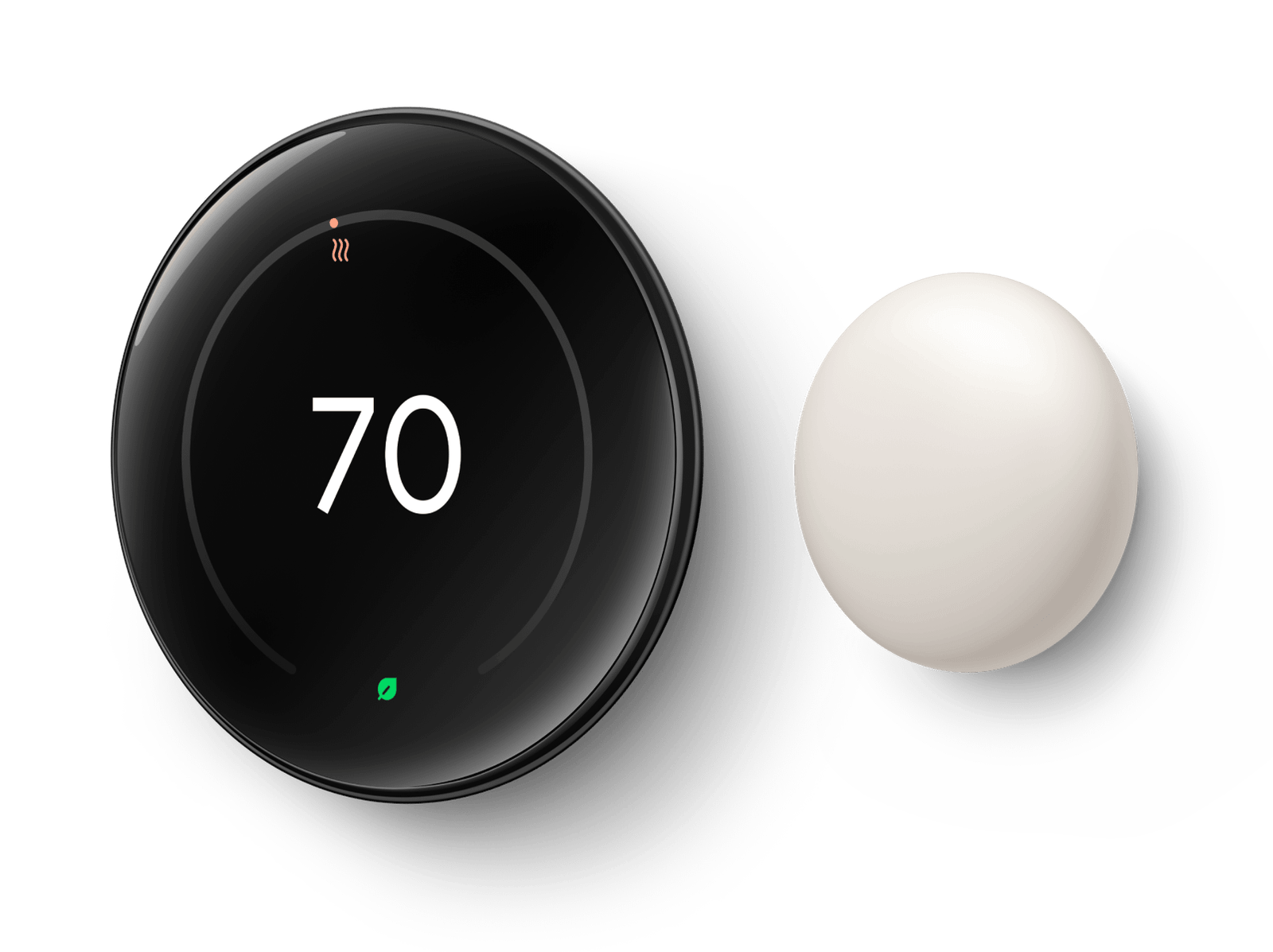
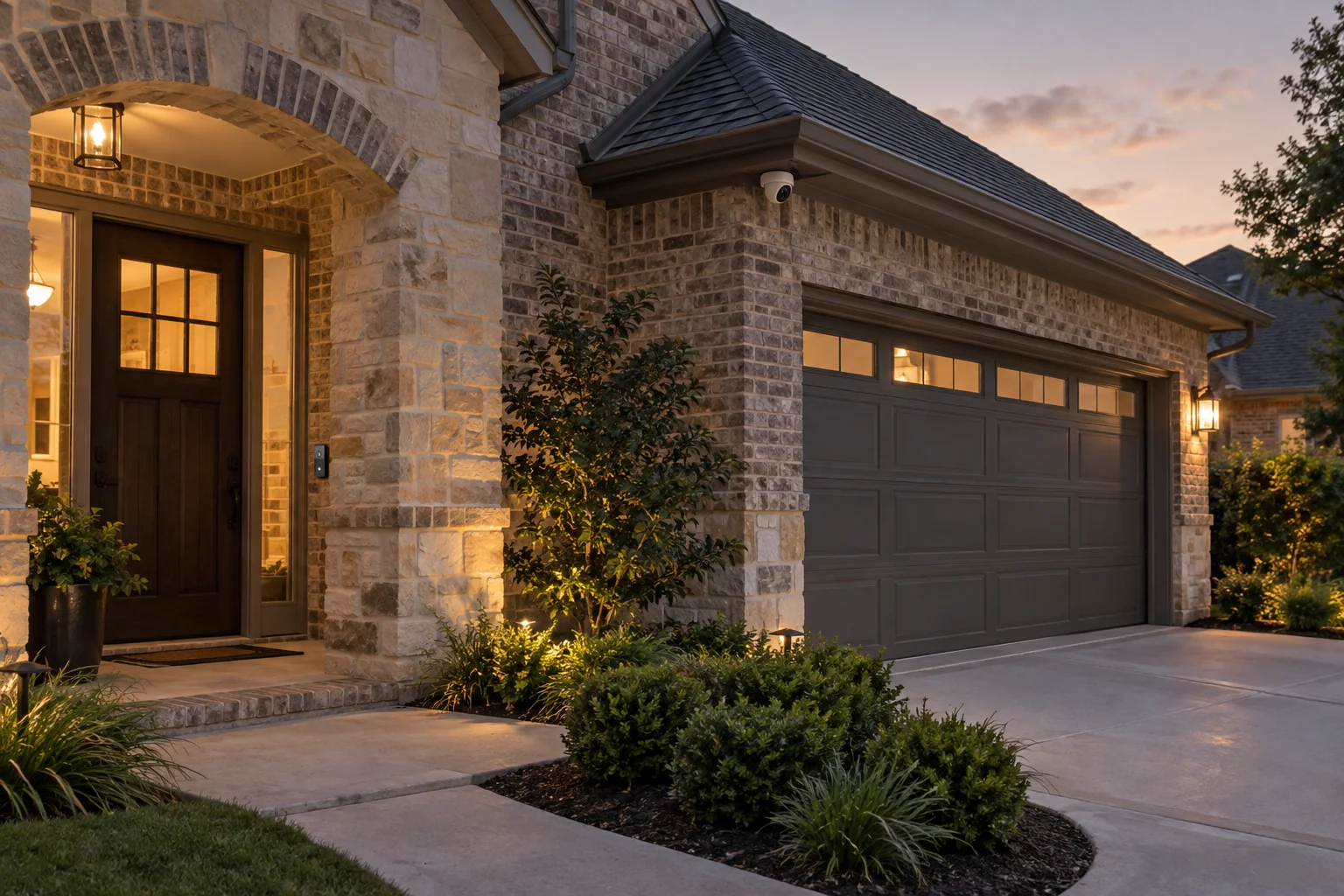
Browse residential examples of professionally installed video doorbells, smart thermostats, cameras and connected-home features. Final equipment and features are selected around your home, HVAC system, Wi-Fi coverage and compatibility requirements.

Designed Around Your Property
Which home security devices should I install first?
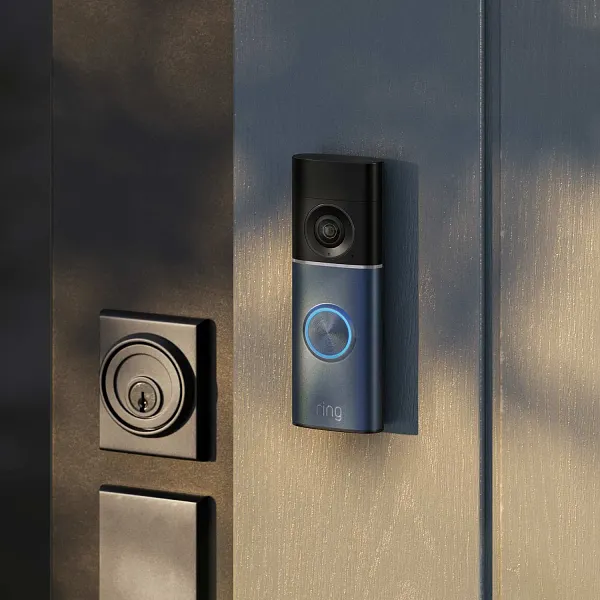
Start with how people enter your home. Door contacts tell you when a door opens. A video doorbell shows who is at the porch. A separate outdoor camera can cover the driveway if the doorbell cannot see it. PGC checks power, wiring and Wi-Fi at each proposed location.
Home Security Cameras
See entrances, driveways, yards and garages with clear live and recorded video from compatible systems.
Alarm Systems
Protect doors, windows and interior areas with sensors, motion detection and convenient mobile control.
Video Doorbells & Smart Access
See visitors, communicate remotely and manage compatible locks and entrances from your phone.
Smart Thermostats, Smart Home & IoT
Connect compatible thermostats, cameras, locks, garage doors and sensors into a simpler mobile routine. Available features depend on the selected equipment and integration compatibility.
Authorized Installation Programs
Google Nest Pro & Ring Authorized Partner
Working with Powerhouse Guardians gives homeowners a professional product-fit and compatibility review, placement planned around HVAC equipment, power and Wi-Fi, secure installation, device setup and a clear walkthrough. Product features, warranties, support terms and availability remain manufacturer- and project-specific and are confirmed before the final scope is approved. Explore Ring & Google Nest installation.

Cameras & Alarms
See What Is Happening and Know When Something Needs Attention
Choose a focused camera or alarm upgrade, or plan a connected system that supports remote viewing, activity notifications and easier day-to-day control.
- Live and recorded video
- Night visibility
- Person and vehicle alerts
- Door and window sensors
- Motion detection
- Mobile control
- Two-way audio where supported
- Professional monitoring on Alarm.com plans
Already Have an Alarm or Camera System?
Can I reuse the alarm sensors in my home?
If your house is prewired, PGC can test the door and window sensors one zone at a time. A compatible Honeywell Vista panel may also stay with an Alarm.com communicator. Send the panel model or a photo of its label so the installer can check your options.
- Existing-system review
- Coverage-gap review
- Wiring assessment
- Repair options
- Upgrade options
- Clear replacement scope
What Homeowners Should Expect
Clear From the First Conversation Through the Final Walkthrough
Get Started
Get a Home Security Quote
Tell us what you want to protect, what equipment you already have and when you would like to begin.
Before You Decide
Home Security Questions, Answered
Practical answers for Dallas–Fort Worth homeowners planning cameras, alarms or connected-home upgrades.
Can you use the cameras or alarm equipment already in my home?
Possibly. PGC reviews compatible cameras, wiring, sensors and other security devices to determine whether repair, reuse or an upgrade makes sense. Compatibility and equipment condition determine what can remain.
Will the system work with my Wi-Fi and internet connection?
PGC plans around your home, Wi-Fi coverage, power and the selected equipment. Share any weak-signal areas or connection problems before installation so they can be considered in the recommendation.
Can you install Ring, Google Nest or connected-home devices?
PGC offers Ring and Google Nest installation and compatible connected-home solutions. Product fit depends on your wiring, power, HVAC equipment where relevant, Wi-Fi and the features you want.
Can I view cameras and control the system from my phone?
Compatible systems support remote viewing, activity notifications and mobile control. The available functions and whether they share one app depend on the equipment and services selected for your home.
Is there a long-term contract for PGC home monitoring?
PGC’s published Alarm.com home monitoring plans are month to month. You can cancel with 30 days’ written notice and no cancellation fee. Equipment and installation are quoted separately.
Does the $34.99 home alarm plan include cameras?
Home Monitor covers alarm monitoring and app control. For video, Home Video is $54.99/month and supports up to four cameras, including a video doorbell. Home Video+ is $64.99/month and supports up to eight cameras with continuous recording using a separately quoted on-site recorder.
Will my home alarm still report if my Wi-Fi goes down?
The Alarm.com panel uses a cellular connection to report alarms when home internet is down, provided the panel has power and cellular service. Camera streaming and cloud uploads depend on internet access. Ask the installer to show you which devices have backup power during the walkthrough.
How do I avoid too many unwanted camera alerts?
Tell us which activity matters, where it occurs and when you want notifications. Available detection features, camera placement and alert settings depend on the selected system; no system can promise perfect detection.
Will you show everyone in my household how to use it?
PGC includes a walkthrough of the installed system. Let us know who needs instruction and which tasks matter, such as using the app, reviewing recordings, managing access and adjusting notifications.
What happens if I move or change providers?
Before approving the scope, clarify equipment ownership, account administration, removal or reinstallation costs, and any service-transfer or cancellation terms. These depend on the selected equipment and agreement.
What if a camera, doorbell or alarm device stops working?
Contact PGC with the device model, symptoms, when the issue began and any recent power or internet changes. Repair options, visit availability, charges and warranty coverage need to be confirmed for your system.
What information do you need for a home security quote?
Share your city, the areas you want to cover, existing equipment, main concerns and preferred timing. Photos or model details can help identify compatibility questions before a site review.
Plan a system around your home
Tell us what you want to protect, what equipment you already have and when you would like to begin. Powerhouse Guardians can help you identify a practical next step.
Helpful guides & support
Find practical answers before your project or when you need help with an existing system.