Home / Alarm.com / Business · Español
ALARM.COM FOR BUSINESS
Know your business opened on time, closed up right and stayed secure
Alarm.com for Business puts intrusion, video and access control in one app. Powerhouse Guardians designs, installs and supports it for DFW offices, retail, restaurants, clinics and light-industrial sites.
Request a Business AssessmentSee Packages & PricingTexas DPS License #B30802201 · NCTRCA SBE certified · Call (469) 927-6524
WHAT YOU CAN DO FROM THE APP
Run every location from your phone
Owners and managers use Alarm.com to answer the everyday questions fast: did we open on time, is the back door locked, who came in after hours, and what set off that alarm.
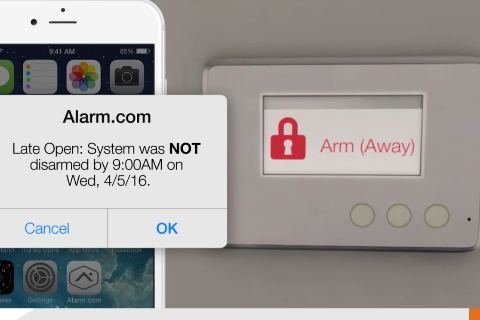
Opening and closing alerts
Get an alert when a location opens or closes off schedule, and check in the app whether it’s armed.
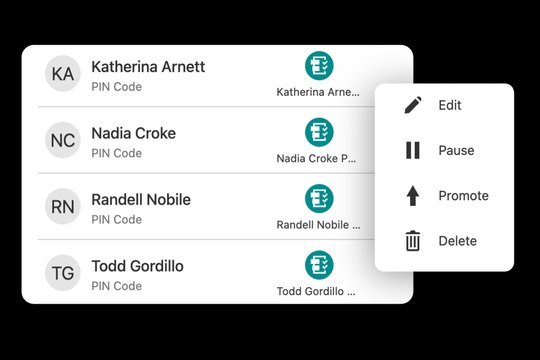
Employee user codes
Arm or disarm, cancel a false alarm, and add or remove an employee’s code from your phone.
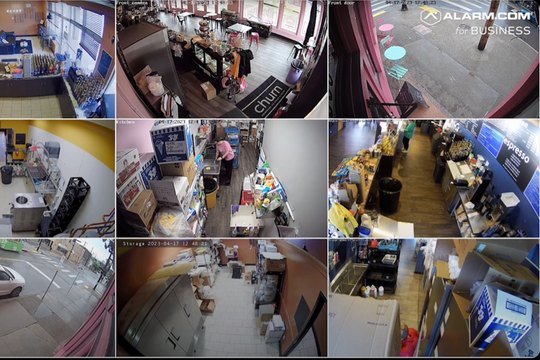
Video with every alarm
View live and recorded video, see what set off an alarm, and share a clip as easily as a text.
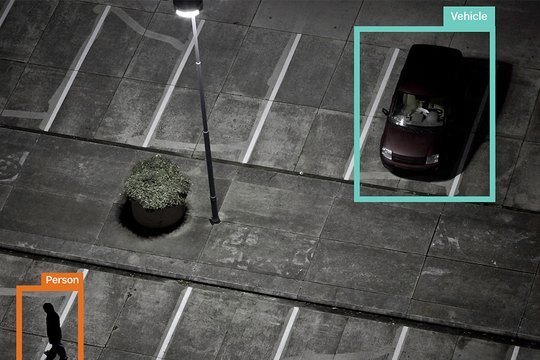
AI video analytics
Analytics tell people from vehicles and animals and ignore routine movement, so alerts mean something.
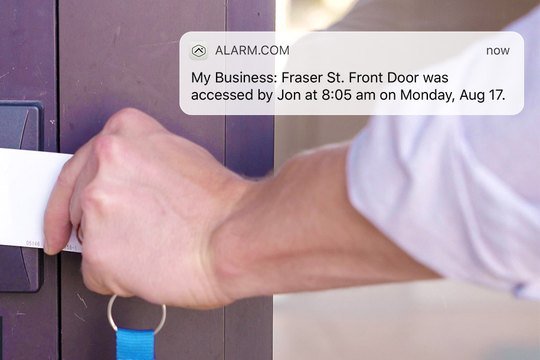
Access control
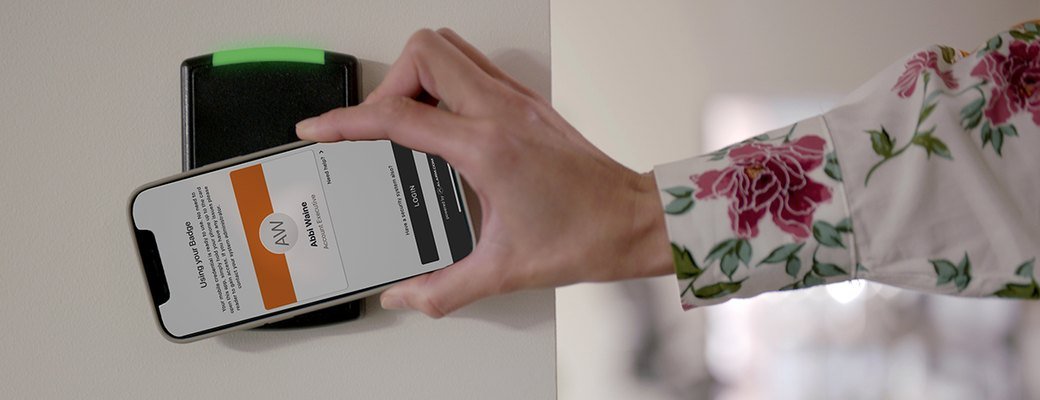
Readers accept phones, NFC, proximity and DESFire cards. Lock and unlock doors from anywhere, with door events lined up on video.
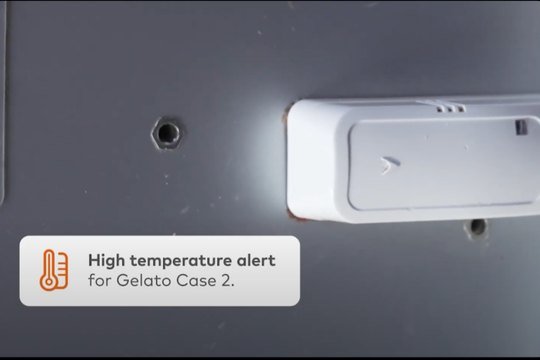
Temperature and energy
Alerts when a temperature-sensitive area goes out of range, plus thermostat control from the same app.
BUILT AROUND HOW YOU WORK
Alarm.com setups we design for DFW businesses

Restaurants & cafés
Closing checks, back-door alerts and cooler temperature alerts after the last shift leaves.

Retail
Stockroom door control, video on every alarm and opening alerts for each store.
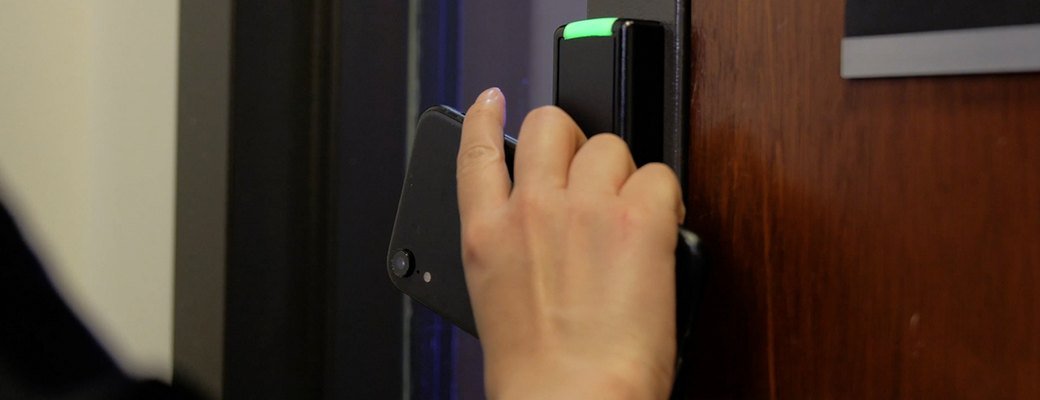
Medical & dental offices
After-hours codes for staff and vendors, with door events tied to video.

Professional offices
Phone credentials instead of shared keys, and alerts if the office is left unarmed.

Warehouses & flex
Dock and back-door contacts, video on alarm and one view across buildings.
Salons, spas & fitness
Codes for each team member and opening reports without a trip to the front desk.

ALREADY HAVE A SYSTEM?
Keep what works
Many businesses already have door contacts, motion detectors and cameras on the walls. We check what is compatible, keep what can stay, and move the system onto the Alarm.com app.
How switching to Alarm.com works · Does your alarm still call out on a landline?
SEE ALARM.COM IN ACTION
See what Alarm.com does for a business
Short videos from Alarm.com show the app and devices we install. Features vary by product, service plan and site; your written proposal lists what is included.
Videos by Alarm.com.
HOW IT WORKS
From site review to a working system
- Site review. We walk the property, note every entry and camera view, and check which existing equipment is compatible and can stay.
- Written design and quote. Installation and the monthly service plan are quoted together, in writing, before you commit.
- Installation and testing. Licensed installation, every device tested, and alerts set up for the people who will act on them.
- Handover and support. App setup, users and codes, a walkthrough for your team, and one local contact for changes and service.
QUESTIONS
Alarm.com for Business: common questions
Do I have to replace my existing alarm or cameras?
Not always. We check the make, model and condition of what you have during the site review, and compatible equipment can often stay. See switching to Alarm.com.
Can I manage more than one location?
Yes. Alarm.com gives owners and managers one view across all of their locations, from a couple of sites to many.
Does the system need a phone line?
No. Alarm.com systems use a dedicated cellular connection between your property and the Alarm.com platform.
Is professional monitoring available?
Yes. Professional monitoring plans are available, and installation and the monthly service plan are always quoted together.
Get an Alarm.com plan for your location
Tell us about your site and we’ll set up a review. Installation and monthly service are quoted together, in writing.
Request a Business AssessmentCall (469) 927-6524Features vary by product, service plan and site. Alarm.com is a trademark of Alarm.com Incorporated. Powerhouse Guardians Corp is an independent Alarm.com Authorized Service Provider · TX DPS #B30802201.