
Home / Alarm.com / Switch to Alarm.com · Español
SWITCH TO ALARM.COM
Keep what works. Move your system onto Alarm.com.
Many homes and businesses already have wired door contacts, motion detectors and keypads. Powerhouse Guardians checks what can stay, replaces only what has to change, and puts the whole system in the Alarm.com app.
Request a Business AssessmentGet a Home Security QuoteTexas DPS License #B30802201 · NCTRCA SBE certified · Call (469) 927-6524
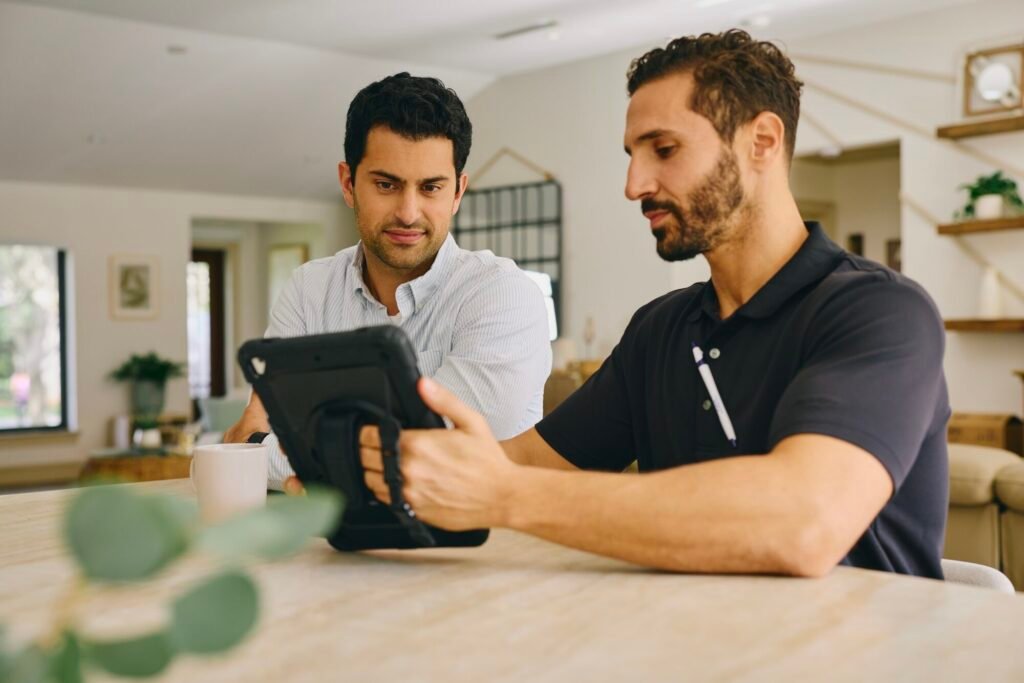
IS THIS YOU?
Good reasons to switch
- You bought a home or leased a space that came with an alarm nobody has the code to.
- Your alarm still dials out over a phone line you’d like to drop.
- You want app control, video and alerts without tearing out every sensor.
- Your current equipment or provider no longer fits how you run your property.
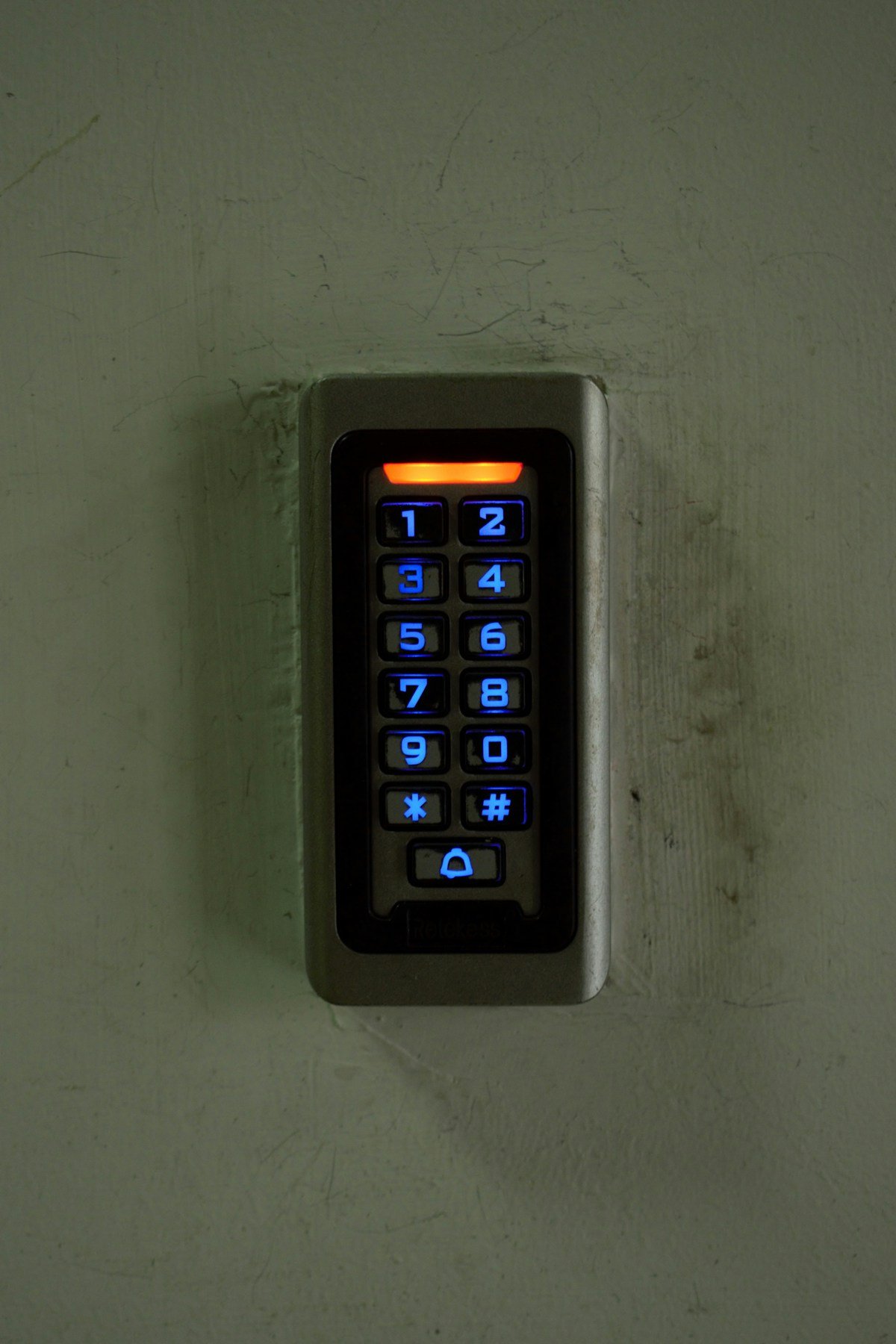
WHAT WE CHECK
The site review, device by device
- The panel. Make, model and condition, and whether it can connect to Alarm.com or needs a new panel or communicator.
- Every zone. Door and window contacts, motion detectors and glass-break sensors, tested one at a time.
- Keypads and sirens. What can stay, and where a new touchscreen or keypad makes daily use easier.
- How it communicates today. Phone line, an older cellular radio or the internet, and what changes after the switch.
- Lockouts. Whether the previous provider locked the panel, and how we handle it.
- What you want to add. Cameras, a video doorbell, smart locks or access control, quoted with everything else.
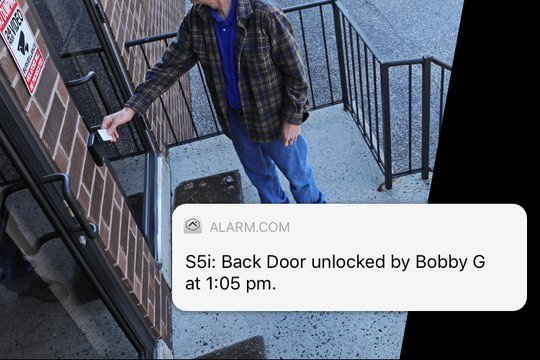
AFTER THE SWITCH
What you end up with
- Your system in the Alarm.com app: status, arming and alerts from anywhere.
- A dedicated cellular connection instead of a phone line.
- Users and codes set up for your family or team.
- Every zone tested, and professional monitoring plans available.
Still on a landline? Read how to check how your alarm calls out.
SWITCH PRICING
What switching costs
Three ways to switch, depending on what is on your wall today. Your written proposal confirms which one fits after the site review.
ALREADY ON ALARM.COM
Alarm.com Switch
Your system already runs on Alarm.com through another dealer. We move the account to us.
$0
setup, with a 12-month agreement
Same published plan prices: homes from $34.99/mo, businesses from $49.99/mo
- Your panel, sensors and app stay
- Account moved to Powerhouse Guardians
- One local contact for service and changes
- Month to month after the first 12 months
If you cancel during the first 12 months, the charge is half of the monthly fees left in that period. After that, cancel any time with 30 days’ written notice.
KEEP YOUR HONEYWELL PANEL
Home Upgrade
A working Honeywell Vista panel stays. We add an Alarm.com communicator to it.
$34.99/mo
Home Monitor plan, month to month
Installation quoted after a free site review
- Alarm.com cellular communicator added to your panel
- Your keypad and wired sensors stay
- Every zone tested, one at a time
- App setup and a walkthrough
For compatible Vista panels the previous provider has not locked. A locked panel needs a Takeover.
ANY OTHER PANEL
Takeover
A new Alarm.com panel on the wired sensors you already have.
from $34.99/mo
homes; businesses from $49.99/mo, month to month
Installation quoted after a free site review
- New Alarm.com panel with a cellular connection
- Keep your compatible wired sensors
- Every zone tested, one at a time
- App setup and a walkthrough
See home packages and business packages for full systems.
Monthly plan prices published as of November 2026. Installation is quoted in writing after a free site review. Prices exclude applicable Texas sales tax, which applies to installation and monitoring. Final scope and price are confirmed in your written proposal after a site review. Honeywell and Vista are trademarks of their respective owners.
HOW IT WORKS
From site review to a working system
- Site review. We walk the property, note every entry and camera view, and check which existing equipment is compatible and can stay.
- Written design and quote. Installation and the monthly service plan are quoted together, in writing, before you commit.
- Installation and testing. Licensed installation, every device tested, and alerts set up for the people who will act on them.
- Handover and support. App setup, users and codes, a walkthrough for your team, and one local contact for changes and service.
QUESTIONS
Switching to Alarm.com: common questions
Will I lose the sensors I already have?
Not if they are compatible and in good condition. Wired door contacts and motion detectors can often stay; we confirm device by device during the site review.
Can you take over a system another company installed?
Often, yes. Some panels are locked by the previous provider, so we check whether the panel can be reset or needs to be replaced.
Do I need to cancel my old provider first?
Check your current agreement for its cancellation terms before you switch. We can schedule the changeover around it.
Do I still need a phone line?
No. After the switch, the system uses a dedicated cellular connection to the Alarm.com platform.
Find out what you can keep
Book a site review. We’ll check your existing equipment and quote the switch, installation and monthly service together.
Request a Business AssessmentGet a Home Security QuoteFeatures vary by product, service plan and site. Alarm.com is a trademark of Alarm.com Incorporated. Powerhouse Guardians Corp is an independent Alarm.com Authorized Service Provider · TX DPS #B30802201.