
Commercial Security Across Dallas–Fort Worth
Commercial Security Systems in Dallas–Fort Worth
Powerhouse Guardians installs commercial security systems for Dallas–Fort Worth businesses. Start with a monitored alarm for a shop or office, add cameras to review after-hours activity, or manage employee access across doors and locations. Alarm.com business monitoring starts at $49.99/month. Installation is quoted separately.

Alarm.com for Business
Alarm.com Business Packages From $49.99/mo
Choose Takeover if you have compatible wired sensors, or Essentials for a new alarm. Both start at $49.99/month. Business Video adds cameras. Business Command adds video and two controlled doors. Compare commercial installation labor prices before budgeting for equipment and monthly service.
Business Takeover
$49.99/mo
Keep your compatible wired sensors. New Alarm.com panel with a cellular connection, off the phone line.
Business Essentials
$49.99/mo
A complete wireless alarm for a small office, shop or studio, with a panic button and staff codes.
Business Video
$79.99/mo
Alarm plus 4 Alarm.com cameras with AI detection that tells people from vehicles.
Business Command
$129.99/mo
Alarm, video and 2 access-controlled doors with phone and fob credentials managed from the app.
Larger sites, more doors and enterprise camera systems are designed and quoted per project.

One Security Partner. Multiple Systems.
Which security systems does your business need?
For a shop, start with door contacts, staff codes and opening alerts. For a warehouse, pair a loading-door event with a camera view so a manager can check a delivery. For a multi-tenant office, plan door schedules and credentials around who needs access after hours.
Commercial Security Cameras
Live and recorded video, person and vehicle alerts, remote viewing, fast incident search and multi-site management.
Explore Camera SystemsAccess Control
Card and mobile credentials, door schedules, visitor access, entry history, gate control and camera integration.
Explore Access ControlAlarm Systems
Door and window protection, motion detection, panic devices, environmental sensors and compatible monitoring options.
Explore Alarm SystemsRemote Video Security
Receive useful event notifications and review activity without continuously watching cameras.
Discuss Remote VideoMobile Security Trailers
Rapid-deployment surveillance for construction sites, equipment yards, parking areas and temporary locations.
Explore Mobile TrailersLow-Voltage Cabling
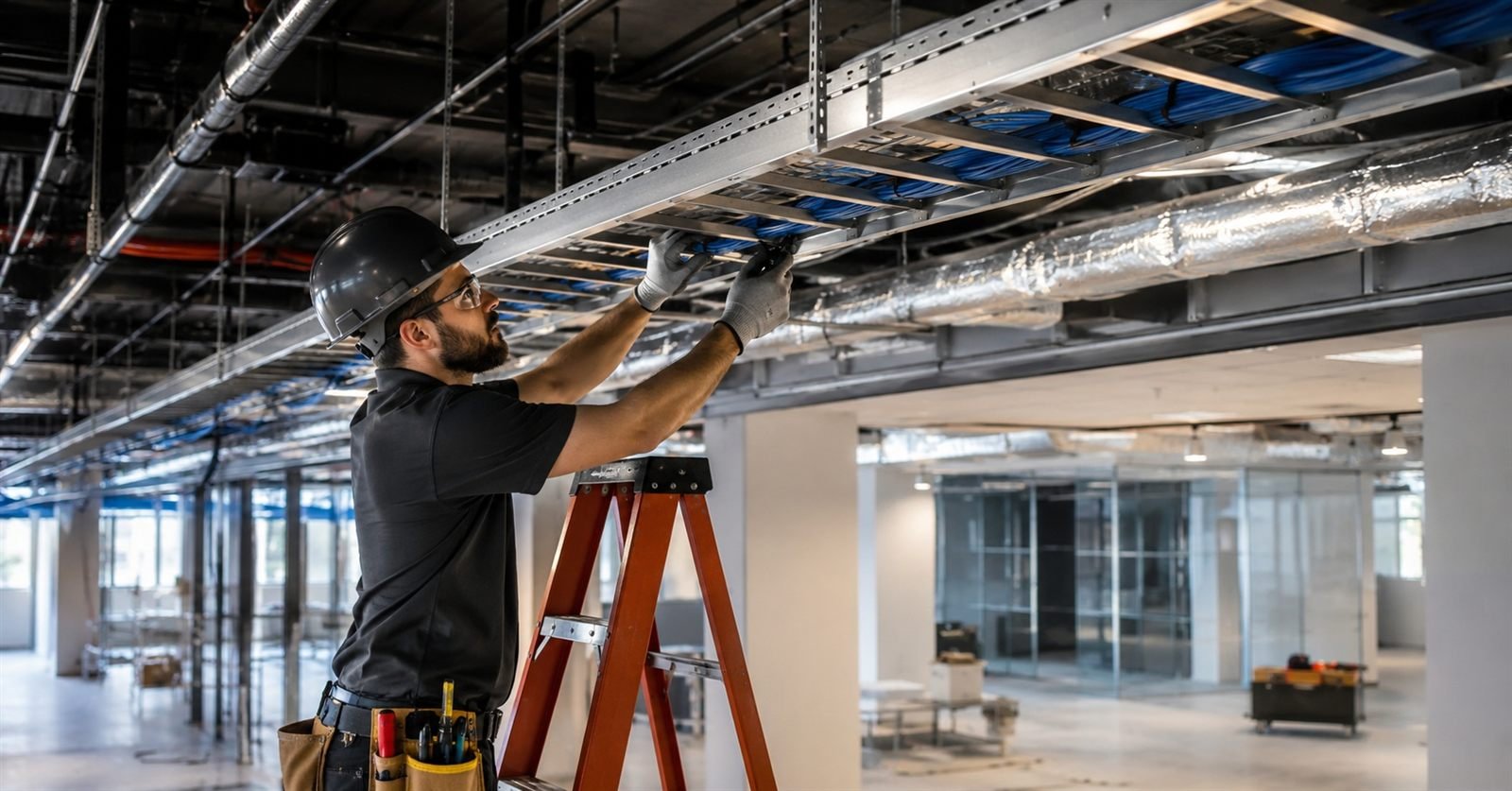
Cat6/Cat6A, PoE infrastructure, camera and access-control cabling, structured pathways and system integration.
Explore Low-Voltage CablingUpgrade Existing Systems
Can we keep our existing cameras, readers and wiring?
Existing cameras, cabling, access-control panels and network equipment may not require complete replacement. We evaluate what can reasonably remain before specifying new equipment.
- Camera and recorder review
- Coverage-gap analysis
- Reader and panel assessment
- Credential workflow review
- Cabling and network review
- Phased upgrade planning
Industries
Commercial Environments We Support
Practical security systems for facilities with different operating hours, entry requirements, risk areas and infrastructure needs.
Next Step
Request a Commercial Security Assessment
Tell us your location, current system and security concerns. Equipment, installation, recurring services and applicable manufacturer or workmanship terms are documented in the approved proposal.
Before You Decide
Commercial Security Questions, Answered
Practical answers for Dallas–Fort Worth businesses planning a new system or an upgrade.
Can you upgrade our existing cameras instead of replacing everything?
Potentially. PGC reviews existing cameras, recorders, cabling and network equipment to determine what can be reused. AI analytics and cloud features depend on compatibility and the condition of your system.
Do we have to move our video to the cloud?
No. PGC supports cloud, on-premises and hybrid video systems. The appropriate design depends on connectivity, recording requirements, remote access and budget.
Will our internet connection support the proposed system?
Bandwidth and network requirements form part of camera-system planning. Share your internet service details, camera count and remote-viewing needs so the proposed design can account for them.
How long can we keep recordings?
Retention depends on camera count, resolution, recording settings and storage capacity. PGC documents proposed retention before deployment so you can evaluate whether it meets your operational needs.
Can we manage multiple properties and control staff access?
PGC offers multi-site video management and user permissions. The selected platform and configuration determine which locations and functions each authorized user can access.
What should a commercial security installation quote include?
Ask for camera and door counts, equipment models, cabling work, recording retention, installation labor and monthly fees. If you have multiple sites, ask for a breakdown by location and a list of equipment PGC can reuse.
How much does business security monitoring cost in DFW?
PGC’s Alarm.com business alarm plans start at $49.99/month. Business Video is $79.99/month with four cameras. Business Command is $129.99/month with video and two controlled doors. These plans are month to month. PGC quotes installation separately after a site review.
What happens if we move, sell the property or change providers?
Before approval, clarify equipment ownership, account administration, video export, service transfer options and any relocation or cancellation costs. These details need to be confirmed for the selected system and agreement.
Will our team receive training?
PGC’s process includes a system walkthrough. Identify the employees who need training and the tasks they need to perform, such as reviewing footage, exporting an incident, managing access and responding to alerts.
Can you repair a system another company installed?
PGC diagnoses and services commercial cameras, recorders, access control, intercoms and low-voltage systems, including installations completed by other providers. Repair options depend on the equipment and condition.
How quickly can a technician visit?
Scheduling depends on your location, the issue and technician availability. Contact PGC to confirm business-hours service availability for your property.
What information helps you troubleshoot a problem?
Provide the property address, equipment brand or model, number of affected devices, error messages and when the issue started. Mention recent internet, power or equipment changes.
Plan your commercial security project
Share your property location, current equipment, main concern and desired timeline so Powerhouse Guardians can recommend a practical next step.
Helpful guides & support
Find practical answers before your project or when you need help with an existing system.