AI Video Analytics for Existing and New Camera Systems
Turn passive video into event-driven awareness with compatibility-led AI upgrades, real-time alerts, smart search, and operational visibility, without unnecessary rip and replace.
- Commercial properties
- Dallas–Fort Worth
- New systems and upgrades
- Multi-site support
Commercial properties only
Get a Commercial Security Quote
Tell us about your site and we will follow up with next steps for design, installation and support.
- Offices, warehouses, retail, industrial, multifamily and HOA properties
- Cameras, access control, gates and low-voltage cabling under one contract
- Texas DPS licensed: License #B30802201
Homeowner? This form is for businesses and property managers. Please use our home security request form.
Request your quote
At a Glance
What is AI video analytics?
AI video analytics is software that watches camera feeds for set events, such as a person in a restricted zone after hours or a vehicle at a gate, and sends an alert instead of waiting for someone to review the recording. Powerhouse Guardians adds it to compatible existing cameras at Dallas–Fort Worth businesses, or installs new cameras where needed.
What does it cost to add AI to existing cameras?
| Item | Price | What it covers |
|---|---|---|
| Keep your camera, add AI | $125 per camera | One-time labor to connect a compatible existing camera |
| AI connector setup | $495 per site | One-time setup for the site |
| AI video plan | From $25 per camera per month | $39 per camera per month with 30-day cloud backup |
| Camera swap | $425 per device | Mount on your existing cable, aim, configure, test and walk your staff through it |
| New camera installation | $650 per device | New Cat6 run up to 150 ft, patch to the PoE switch, mount, aim, configure and test |
Labor prices from PGC’s published installation pricing, November 2026. Camera hardware is quoted separately, and the project minimum is $1,500 per site.
Can AI be added to the cameras we already have?
Sometimes. It depends on the camera streams, resolution, firmware, ONVIF or RTSP support, the existing VMS or NVR, network capacity and the analytics platform, so PGC starts with a compatibility review.
That said, not every camera works with every analytic. Some cameras can be reused, some support only limited analytics and others need replacement, and PGC documents those limitations before recommending a deployment. No analytics system detects 100% of events: performance varies with placement, lighting, environment and configuration, so PGC avoids accuracy or prevention guarantees. License plate recognition and PPE visibility, for example, are offered only where the cameras and the site support them.
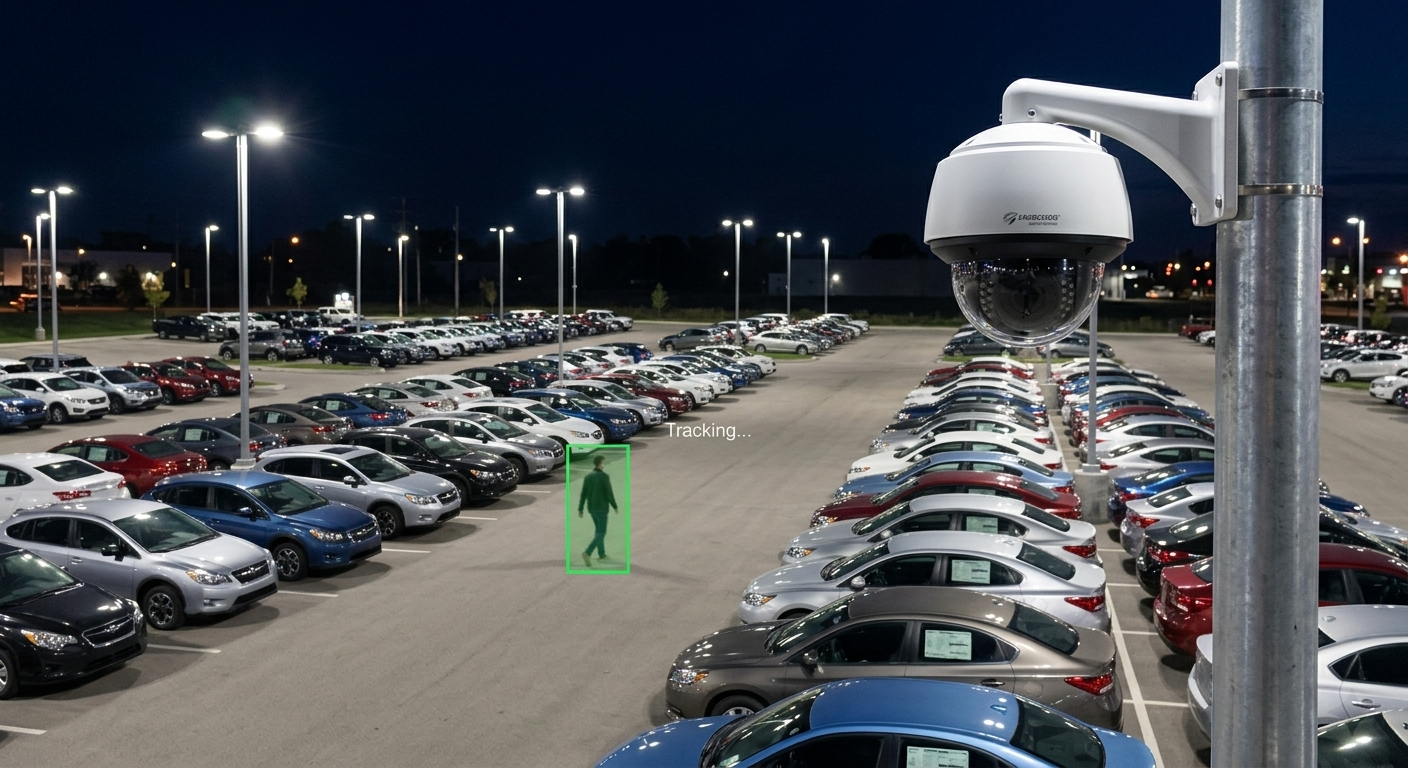
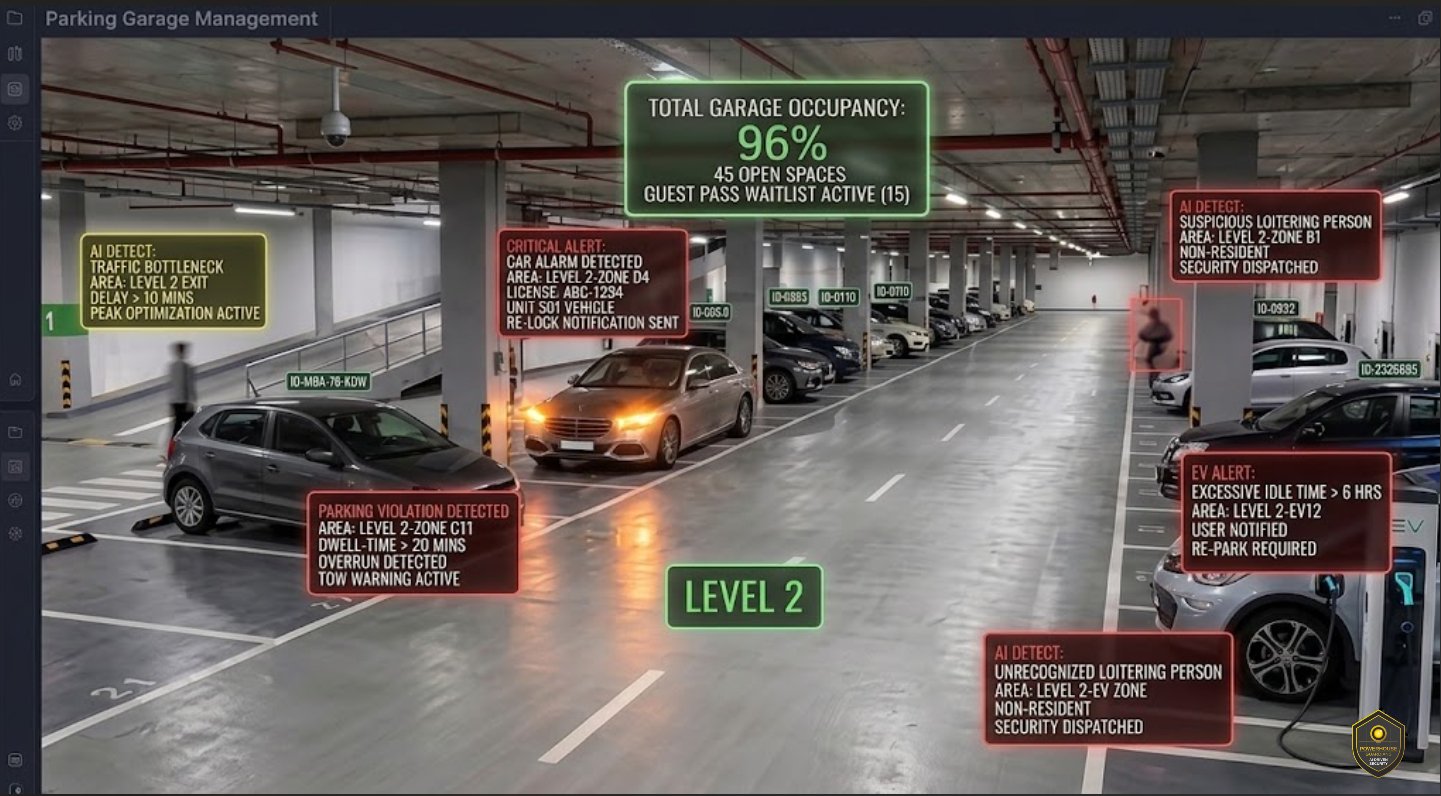
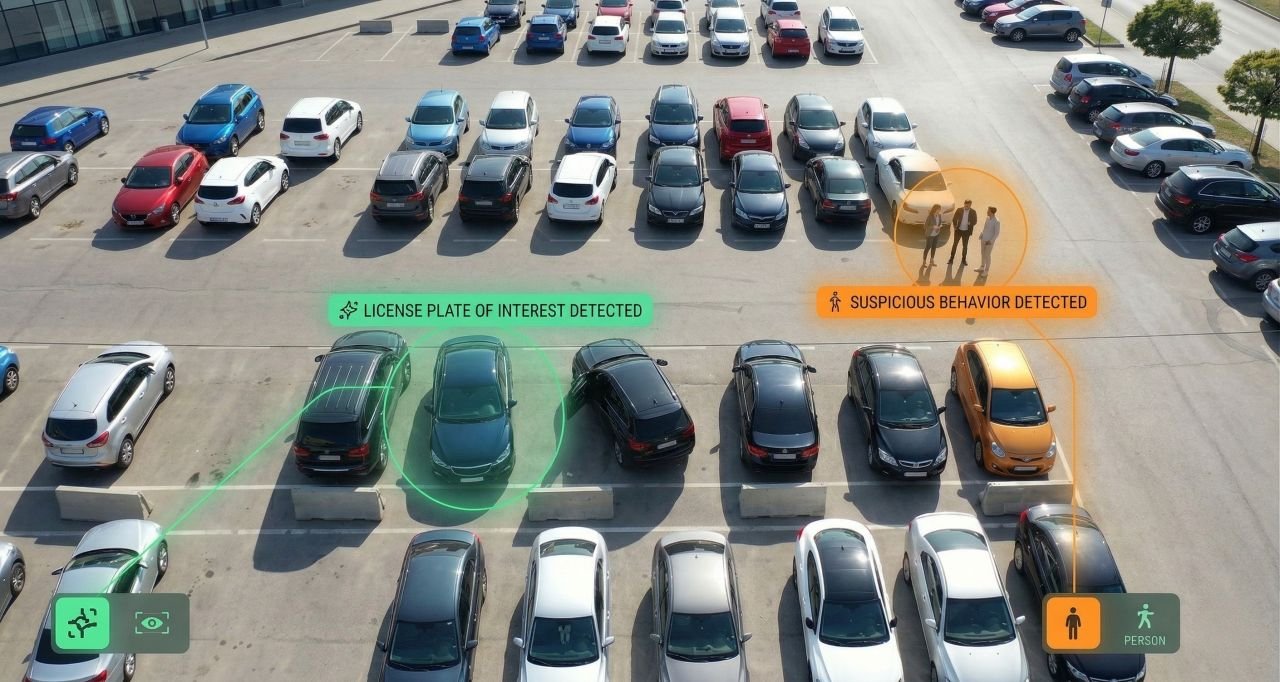
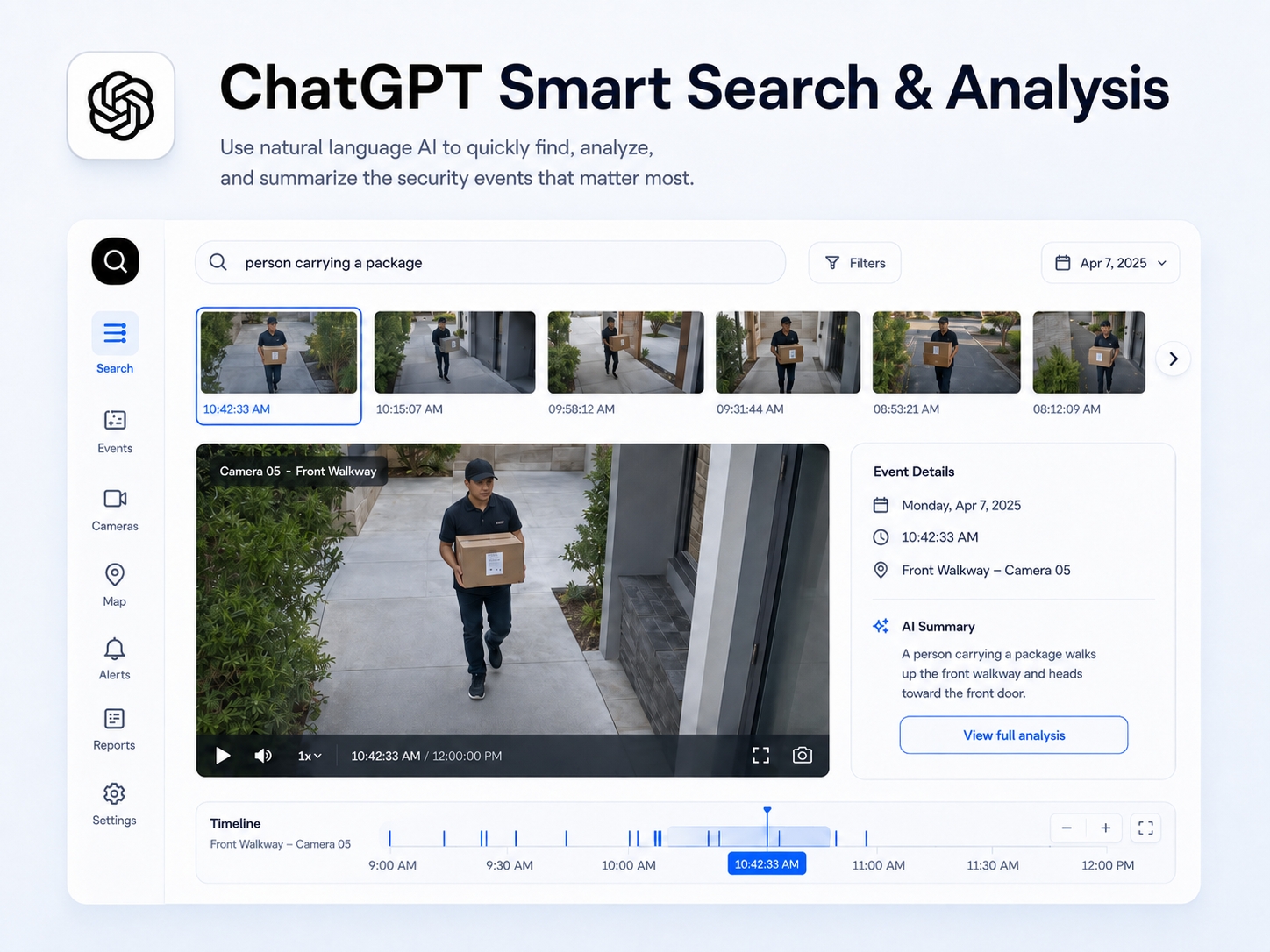
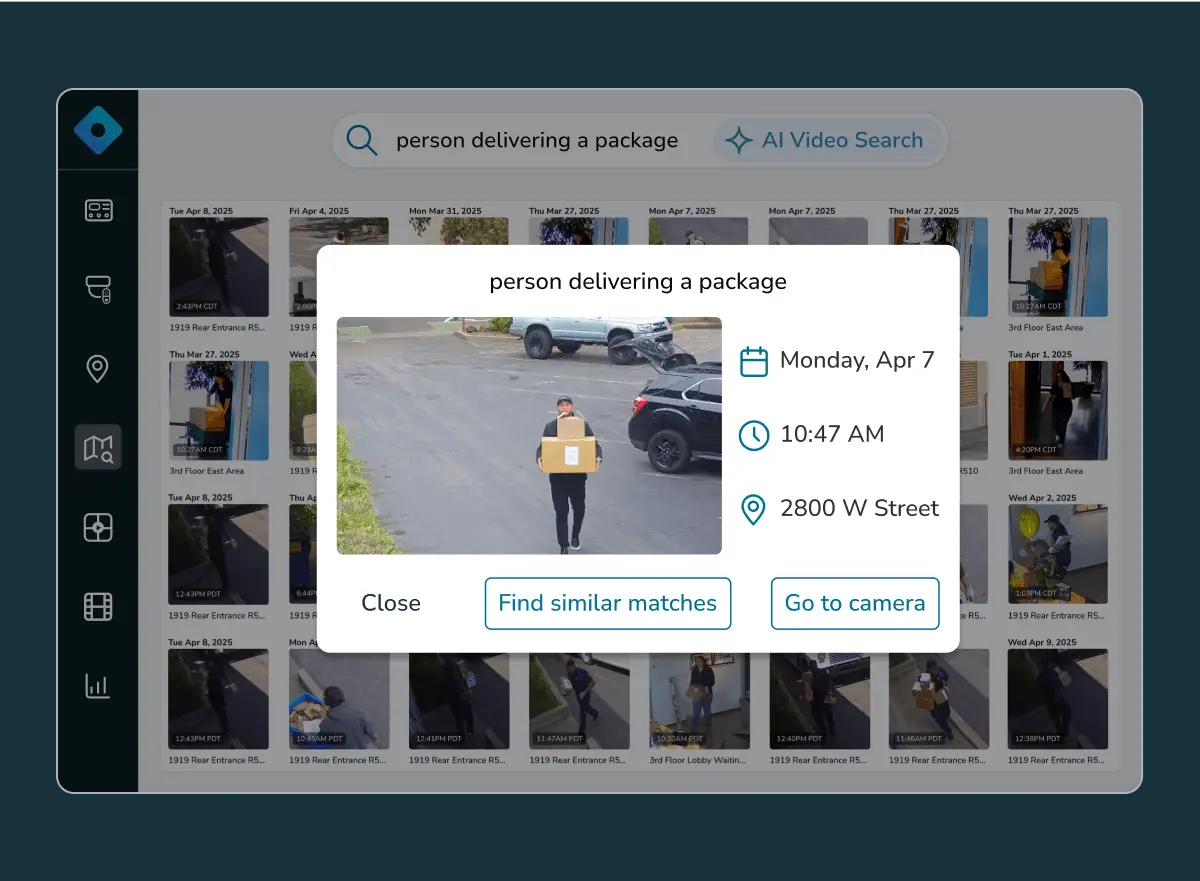
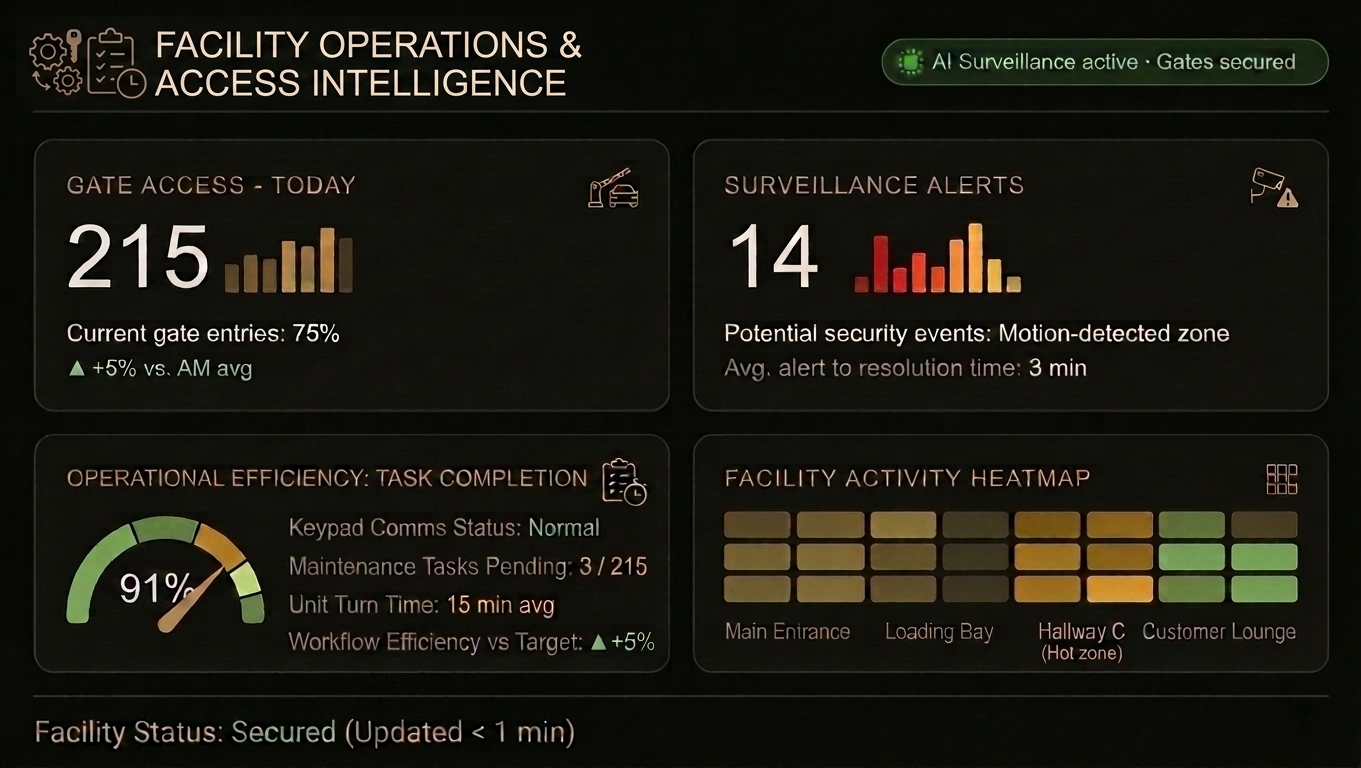
Your cameras may be capable of more than recording
Many businesses only review video after an incident. PGC evaluates compatible cameras, recorders, VMS platforms, networks, and cloud options to add useful analytics and alert workflows where technically feasible.
Compatibility Assessment
Review cameras, VMS or NVR, streams, network capacity, firmware, licensing, and integration options before recommending an upgrade.
Event-Driven Alerts
Configure defined detection zones, schedules, event rules, notifications, and escalation paths around the property’s actual risks.
Smart Investigation
Use object classification, event tagging, and text-assisted search where supported to find relevant footage faster.
AI capabilities tied to commercial use cases
Analytics vary by camera, platform, environment, and configuration. PGC recommends only the capabilities supported by the selected system.
Security awareness
- Loitering and trespassing alerts
- After-hours activity detection
- Perimeter and restricted-zone events
Incident review
- People and vehicle search
- License plate recognition where applicable
- Searchable event history
Operational visibility
- Parking and gate activity
- Loading-dock monitoring
- PPE visibility where applicable
Designed for DFW facilities and portfolios
Powerhouse Guardians supports multifamily properties, warehouses and logistics facilities, retail operations, construction sites, schools, healthcare facilities, commercial offices, parking facilities, industrial sites, and houses of worship.
Retrofits
Review existing infrastructure first and retain compatible equipment where practical.
New Construction
Coordinate device locations, pathways, network requirements, and commissioning with the project team.
Multi-Site Programs
Standardize user management, alert workflows, documentation, and visibility across locations.
From site review to working system
Questions buyers ask before a project
Can AI be added to our current cameras?
Sometimes. Compatibility depends on camera streams, resolution, firmware, ONVIF or RTSP support, the existing VMS, network capacity, and the analytics platform. PGC begins with a compatibility review.
Will every existing camera work with every analytic?
No. Some cameras can be reused, some may support only limited analytics, and others may need replacement. PGC documents those limitations before recommending a deployment.
Does AI guarantee that every event will be detected?
No. Analytics support faster awareness and review, but performance varies with placement, lighting, environment, configuration, and the selected technology. PGC avoids 100% accuracy or prevention guarantees.
Find out what your existing cameras can support.
Share your property type, location, existing system, approximate device count, main concern, and desired timeline. Powerhouse Guardians will review the scope and recommend a practical next step.
Texas Private Security License #B30802201 • SBE Certified • Serving Dallas–Fort Worth