Commercial Security Cameras and Edge AI Video Surveillance in DFW
Camera design, installation, and edge AI video systems for commercial properties — analytics that run on the camera or an on-site appliance, so detection, alerts, and search happen in real time without streaming everything off-site. Remote access and multi-site management when you want them.
- Commercial properties
- Dallas–Fort Worth
- New systems and upgrades
- Multi-site support
Commercial properties only
Get a Commercial Security Quote
Tell us about your site and we will follow up with next steps for design, installation and support.
- Offices, warehouses, retail, industrial, multifamily and HOA properties
- Cameras, access control, gates and low-voltage cabling under one contract
- Texas DPS licensed: License #B30802201
Homeowner? This form is for businesses and property managers. Please use our home security request form.
Request your quote
Get clearer evidence and easier access to video
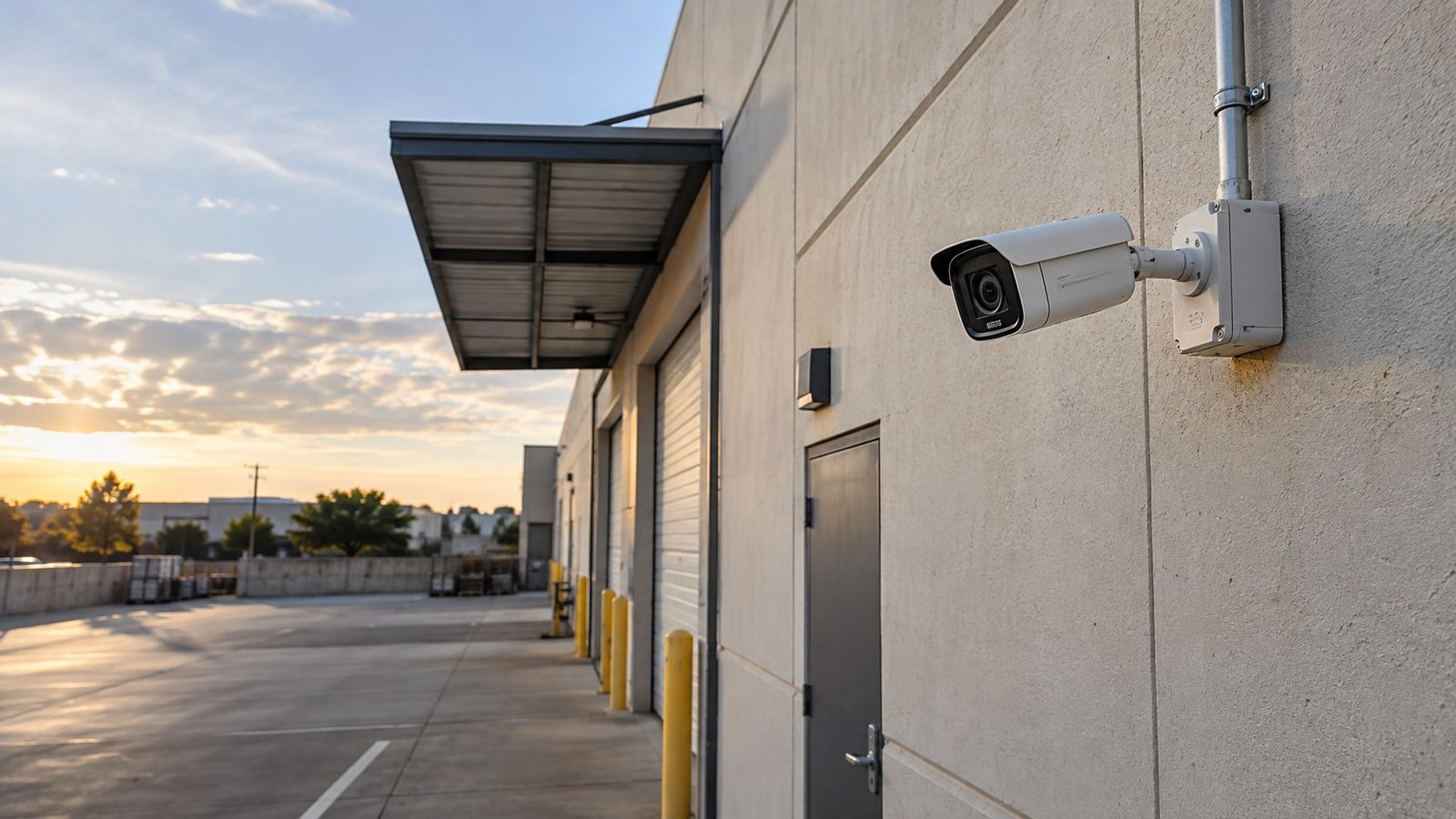
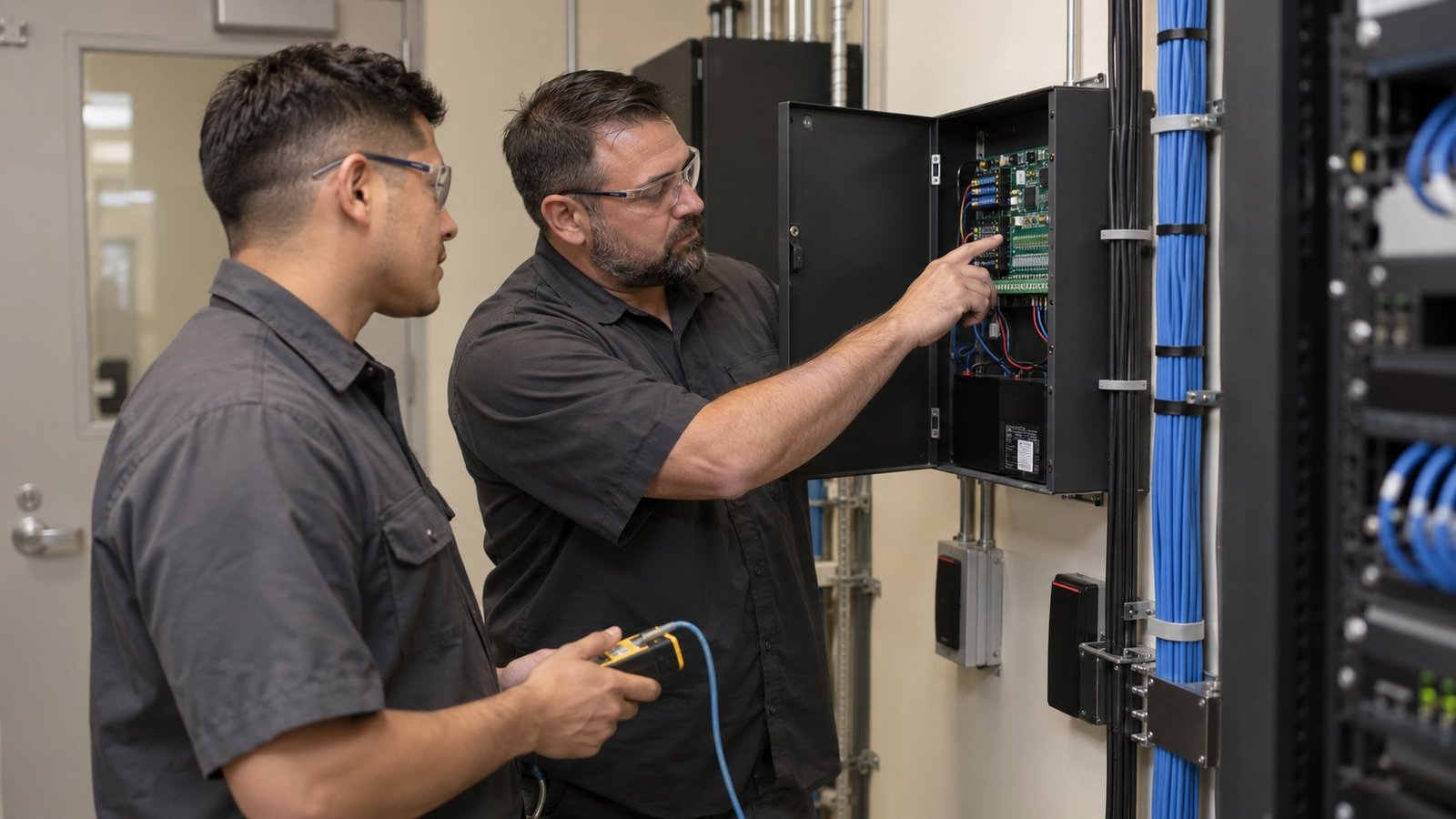
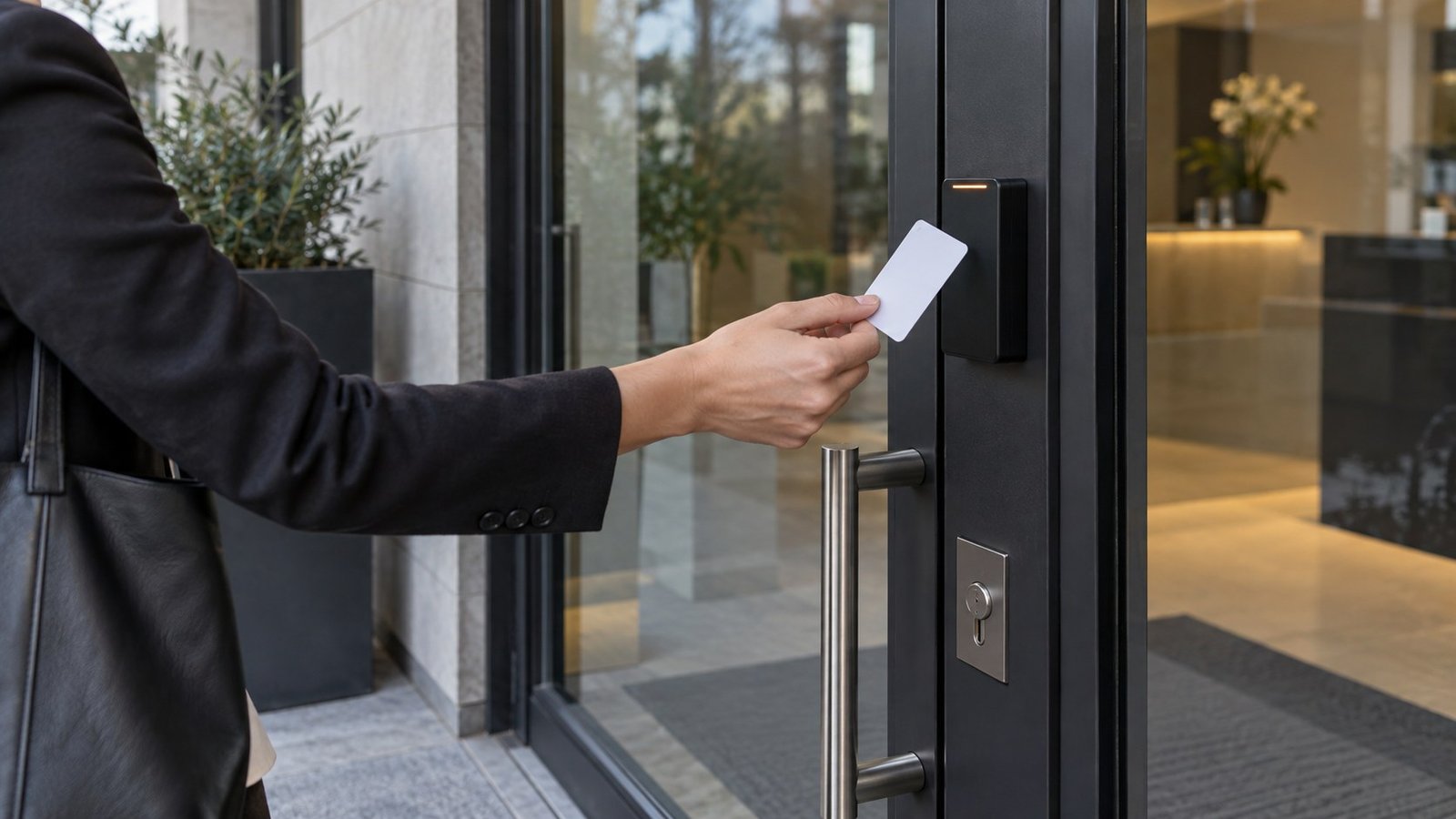
Coverage gaps, aging recorders, difficult remote access, and slow incident review limit the value of a camera system. PGC designs around coverage, evidence quality, retention, bandwidth, user access, and the way your team investigates events.
Commercial Camera Design
Plan camera placement, field of view, resolution, lighting, retention, and network requirements around the site.
Edge AI Analytics
People, vehicle, and plate detection running on the camera or an on-site appliance — lower bandwidth, faster alerts, and footage that stays under your control. On-premises, hybrid, or remotely managed recording, chosen for your connectivity, retention, and compliance needs.
Multi-Site Visibility
Centralize user access, system health, alerts, and incident review across one location or a broader portfolio.
Camera and edge-AI video capabilities
Build the system around the areas and events your team actually needs to see.
Coverage and evidence
- Entrances and exits
- Parking lots and garages
- Perimeters and loading docks
Remote operations
- Secure remote access
- Multi-site dashboards
- User and permission management
Faster review
- On-device AI detection and search
- Event tagging and alerts
- Exportable incident evidence
Designed for DFW facilities and portfolios
Powerhouse Guardians supports multifamily properties, warehouses and logistics facilities, retail operations, construction sites, schools, healthcare facilities, commercial offices, parking facilities, industrial sites, and houses of worship.
Retrofits
Review existing infrastructure first and retain compatible equipment where practical.
New Construction
Coordinate device locations, pathways, network requirements, and commissioning with the project team.
Multi-Site Programs
Standardize user management, alert workflows, documentation, and visibility across locations.
From site review to working system
Questions buyers ask before a project
Do we have to move everything to the cloud?
No — and we generally recommend against it. PGC designs edge-first: analytics and recording run on-site, with remote access and hybrid options layered on where they add value. The right choice depends on bandwidth, retention, cybersecurity, compliance, and operational needs.
Can you upgrade our existing cameras?
Compatible cameras, cabling, switches, and recording infrastructure may be retained where technically feasible. A site review determines reuse, replacement, and migration options.
Which camera types should we consider?
Options include dome cameras for entrances and corridors, outdoor bullet or dome cameras for defined areas, and panoramic cameras for wider views. Selection depends on mounting height, lighting, viewing distance, weather exposure, and the detail needed for incident review. A wider view does not automatically replace several dedicated cameras.
What should a camera-system quote include?
Review the proposed cameras, recording hardware or cloud services, storage and retention, cabling, network requirements, installation, setup, and training. Ask for any recurring software, cloud storage, monitoring, and support costs to be identified separately. Equipment-only prices do not represent the full installed project cost.
Are remote viewing, alerts, and remote video monitoring the same?
No. Remote viewing lets authorized users access video; configured alerts notify recipients about selected events. Remote video monitoring adds a separately defined service workflow where included. Confirm coverage hours, event review, escalation contacts, supported equipment, and recurring charges in the project scope.
How much video retention can we keep?
Retention is planned around camera count, resolution, frame rate, event recording, bandwidth, storage architecture, and policy requirements. PGC documents the proposed retention before deployment.
Plan a camera system your team can actually use.
Share your property type, location, existing system, approximate device count, main concern, and desired timeline. Powerhouse Guardians will review the scope and recommend a practical next step.
Texas Private Security License #B30802201 • SBE Certified • Serving Dallas–Fort Worth
Helpful guides & support
Practical help for your cameras, incident video, and recording settings. Start with a guide or contact the support team.
Camera offline?
Start with the first checks when a camera is unavailable or live video will not load.
View troubleshooting guideFind and preserve incident video
Review the steps for locating footage and keeping the video you need after an incident.
View incident-video guideUnderstand recording and retention
Learn how cloud video, retention settings, and user access fit into your camera system.
View recording guide