Commercial access control · Dallas–Fort Worth
Control who enters.
Know what happened.
Powerhouse Guardians designs, installs, and upgrades commercial access control for DFW properties. Manage doors, gates, credentials, and entry activity with a system built around your people.
New systems · Existing-system upgrades · Cloud and local management
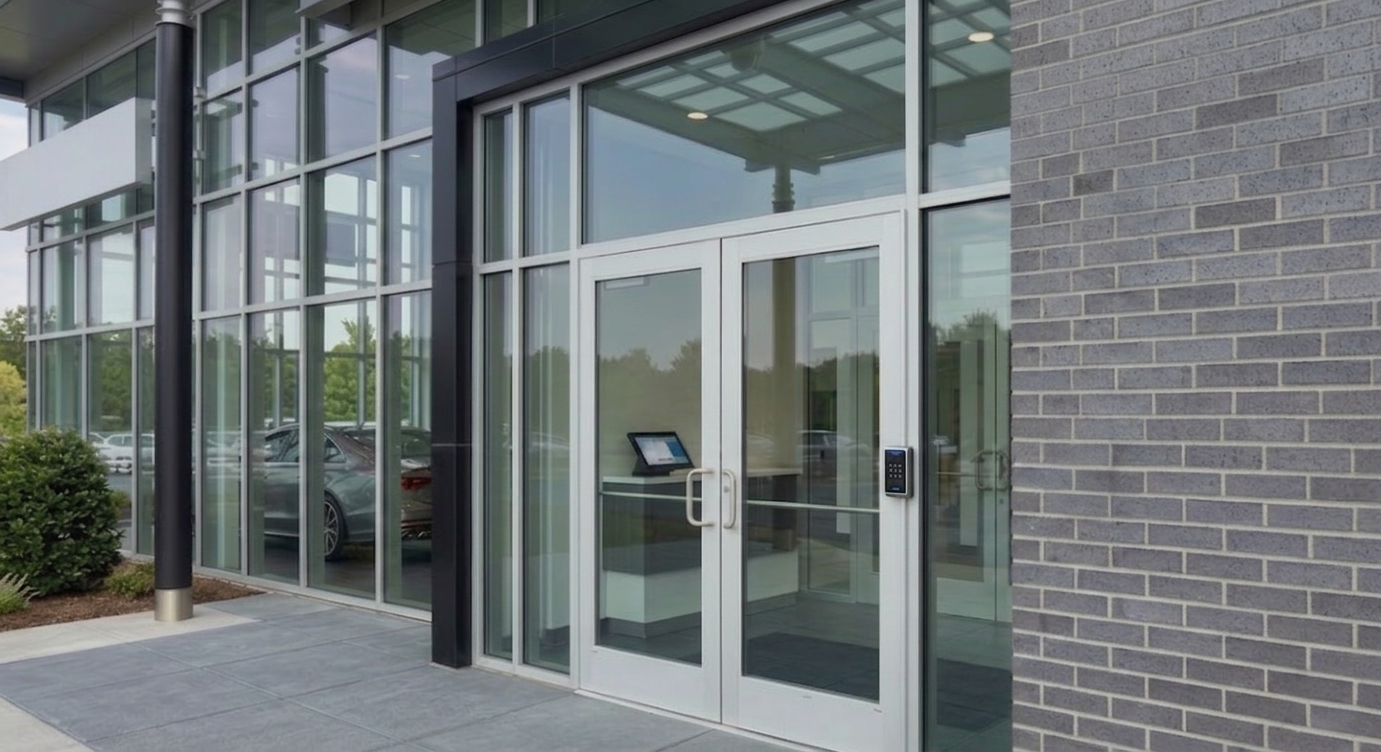
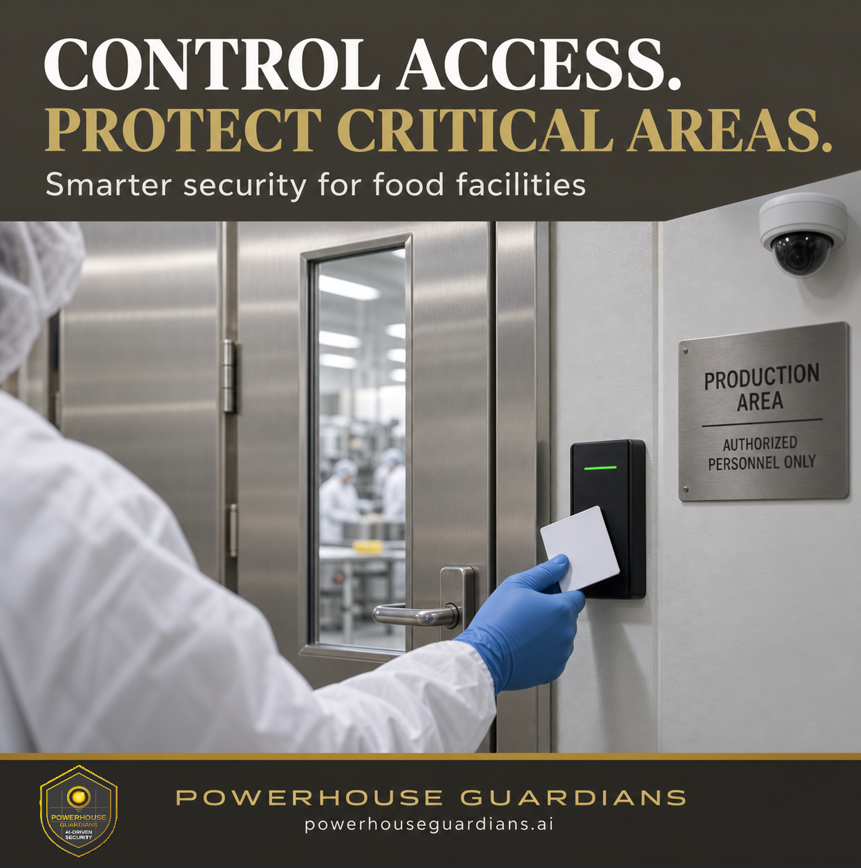
Food production & processing
Protect critical areas.
Keep access accountable.
Separate public, staff, delivery, and production access with permissions that reflect how your facility operates.
- Limit access to production, ingredient storage, and utility areas by role and schedule.
- Define visitor and contractor access windows.
- Review entry records and supported door alerts.
- Coordinate entry points with camera coverage and your facility’s hygiene procedures.
Access control supports your food-defense and operational procedures. Facility policies, training, sanitation, and oversight remain part of the plan.
Discuss access for your facility →Physical + digital credentials
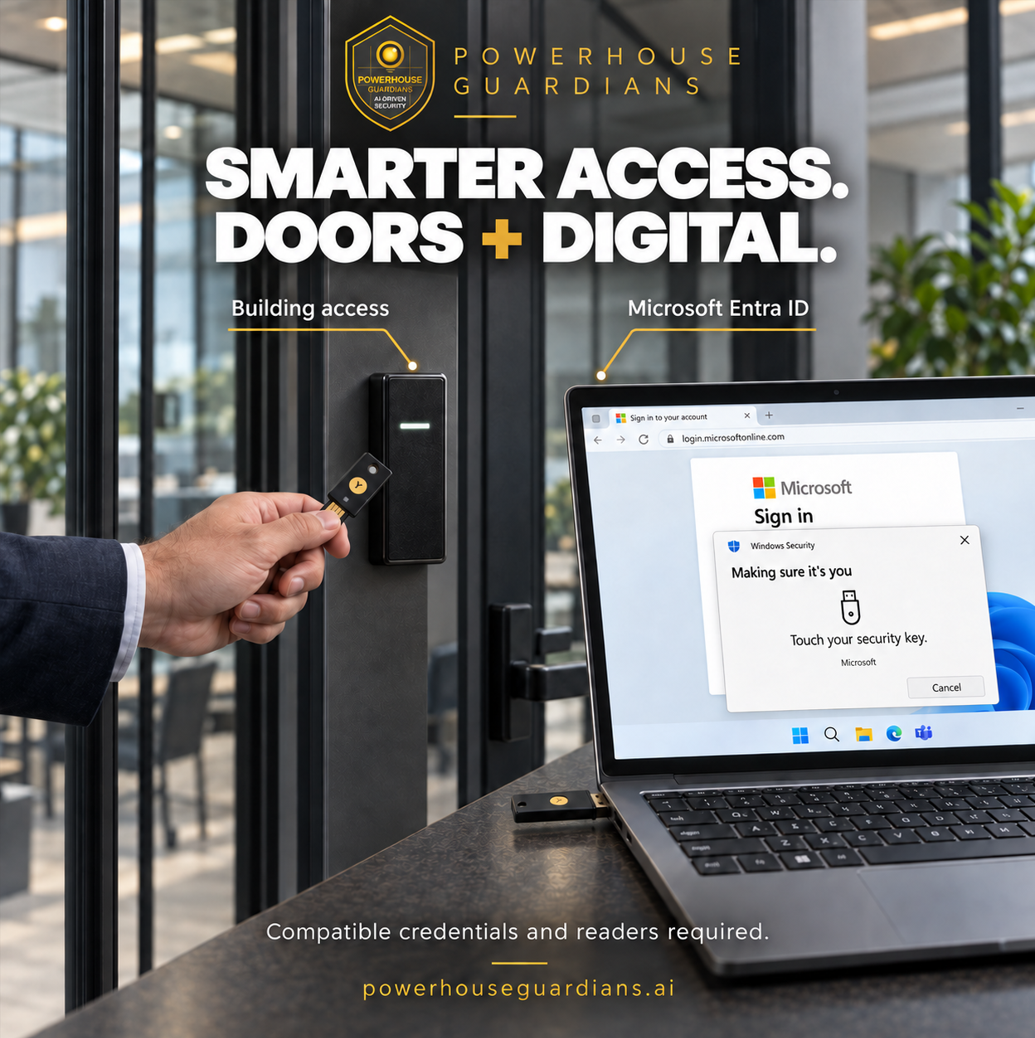
Smarter access.
Doors + digital.
Plan building entry and secure digital sign-in around your doors, devices, and team. We help you review compatible credential options before choosing a system.
Review credential optionsCompatibility and setup details
Purpose-built smartcards, such as Hirsch SecurePass DUO, combine MIFARE DESFire physical access and FIDO2 authentication. Microsoft Entra ID supports FIDO2 sign-in when the credential, device, and organization’s policies meet the requirements.
Building-access compatibility must be reviewed separately for the exact credential and reader. Door access and digital sign-in need separate configuration; automatic user synchronization is a separate integration decision.
- Confirm the credential technology matches the door readers and access platform.
- Check workstation readers, supported devices, and sign-in methods with your IT team.
- Plan enrollment, lost-credential handling, and removal of access in both systems.
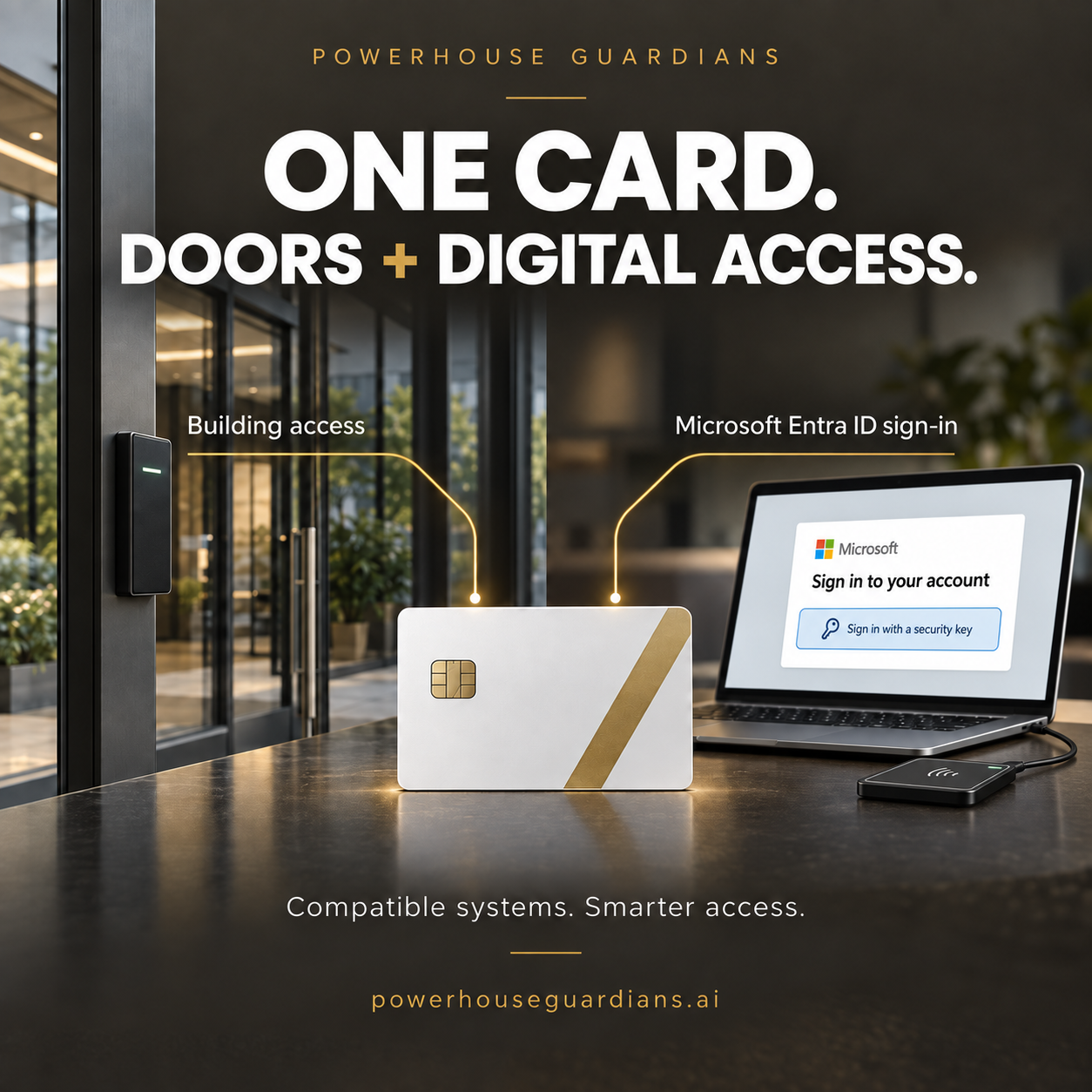
Smartcard credentials
Purpose-built cards can support door entry and digital authentication in compatible systems.
Security-key sign-in
Passwordless sign-in options, with building-access compatibility reviewed separately.
Illustrative concepts. Compatible credentials, readers, and configuration are required.
Built around daily operations
The right access. The right areas. The right time.
Lost keys, shared codes, staff turnover, and doors left open make access harder to manage. Give your team practical control over permissions and a clearer record of entry activity.
Cards, fobs & mobile access
Assign access by role, area, and schedule. Add or revoke supported credentials as employees, residents, and contractors change.
Doors & gates
Coordinate readers, controllers, electric locks, gate interfaces, and exit devices around each opening and its operating requirements.
Door events & alerts
Track access activity and configure forced-door or held-open alerts where the installed hardware and platform support them.
Cloud or local management
Choose administration and remote-access options that fit your connectivity, user responsibilities, and number of locations.
Access events with video
Link supported door events to camera footage so your team can review what happened at an entrance with more context.
Upgrade what you have
Review existing panels, readers, wiring, credentials, and door hardware before deciding what to retain, integrate, or replace.
Commercial properties across DFW
Designed for the spaces your team manages.
Multifamily & mixed-use
Gates, amenity areas, package rooms, leasing offices, and shared entrances with different resident, staff, and vendor needs.
Warehouses & industrial
Staff entrances, offices, stockrooms, production zones, and loading-area access across changing shifts.
Offices & community facilities
Commercial offices, retail back rooms, schools, clinics, and houses of worship with controlled staff and visitor access.
Serving Dallas, Fort Worth, Plano, Frisco, McKinney, Allen, Richardson, Irving, Arlington, and the surrounding DFW area.
A practical project plan
Start with the opening. Finish with a usable system.
A reader is one part of the project. We review the physical opening, existing equipment, network, users, and operating needs before recommending the system.
Assess the site
Review doors, gates, hardware condition, wiring, power, connectivity, and current pain points.
Define the scope
Confirm credentials, permissions, alerts, integrations, software costs, and door or gate coordination.
Install & integrate
Coordinate the agreed equipment and interfaces, including applicable exit and life-safety requirements.
Test & hand over
Check permissions and event reporting, train administrators, and document operation and support arrangements.
Connected security technology
Give every entry event more context.
Before you start
Access control questions, answered.
Can you upgrade our existing access control system?
Often, yes. PGC reviews panels, readers, credentials, wiring, door hardware, software, and licensing before recommending what can remain and what should change. Photos, model numbers, and the number of controlled doors help us prepare for the site review.
Should we choose cloud or locally managed access control?
The choice depends on connectivity, administration, remote-access needs, and the existing platform. We review the operating model and ongoing software or credential costs with you before recommending an approach.
Can one card open our doors and sign in to Microsoft Entra ID?
Potentially, with a credential designed for both uses and compatible systems. The physical access platform and Microsoft environment each need configuration and testing. Your IT team should confirm device support, authentication policy, enrollment, and lost-card procedures.
What happens if the internet or power goes down?
Behavior depends on the selected controllers, local permissions, power backup, and lock configuration. We review what continues operating, what events are stored, and how the system recovers as part of the design.
Does the project include door hardware and gate work?
The agreed scope identifies the readers, controllers, locks, request-to-exit devices, door monitoring, and gate interfaces required. Door condition, exit requirements, and any work by a door, gate, electrical, or life-safety specialist must be confirmed before installation.
What determines the project price?
The number and condition of openings, door and lock types, cable routes, controllers, credentials, software, integrations, and installation conditions all affect cost. A site review helps establish a useful scope and proposal.
Let’s review your property
Make access easier to manage.
Tell us your property type and city, approximate number of doors or gates, existing system, main concern, and desired timeline. PGC will review your inquiry, clarify the scope, and coordinate a site walk when needed before recommending a practical plan.
Texas Private Security License #B30802201 · SBE Certified · Serving Dallas–Fort Worth
Helpful guides & support
Find practical answers before your project or when you need help with an existing system.