
Commercial security planning · Dallas–Fort Worth
What is a perimeter alarm?
A perimeter alarm detects activity at a defined boundary, such as a building entrance, gate, fence line, or restricted outdoor area. It helps a team become aware of an event and decide what to do next.
For DFW businesses, the useful question is: which boundary needs detection, how will the event be checked, and who receives the alert?
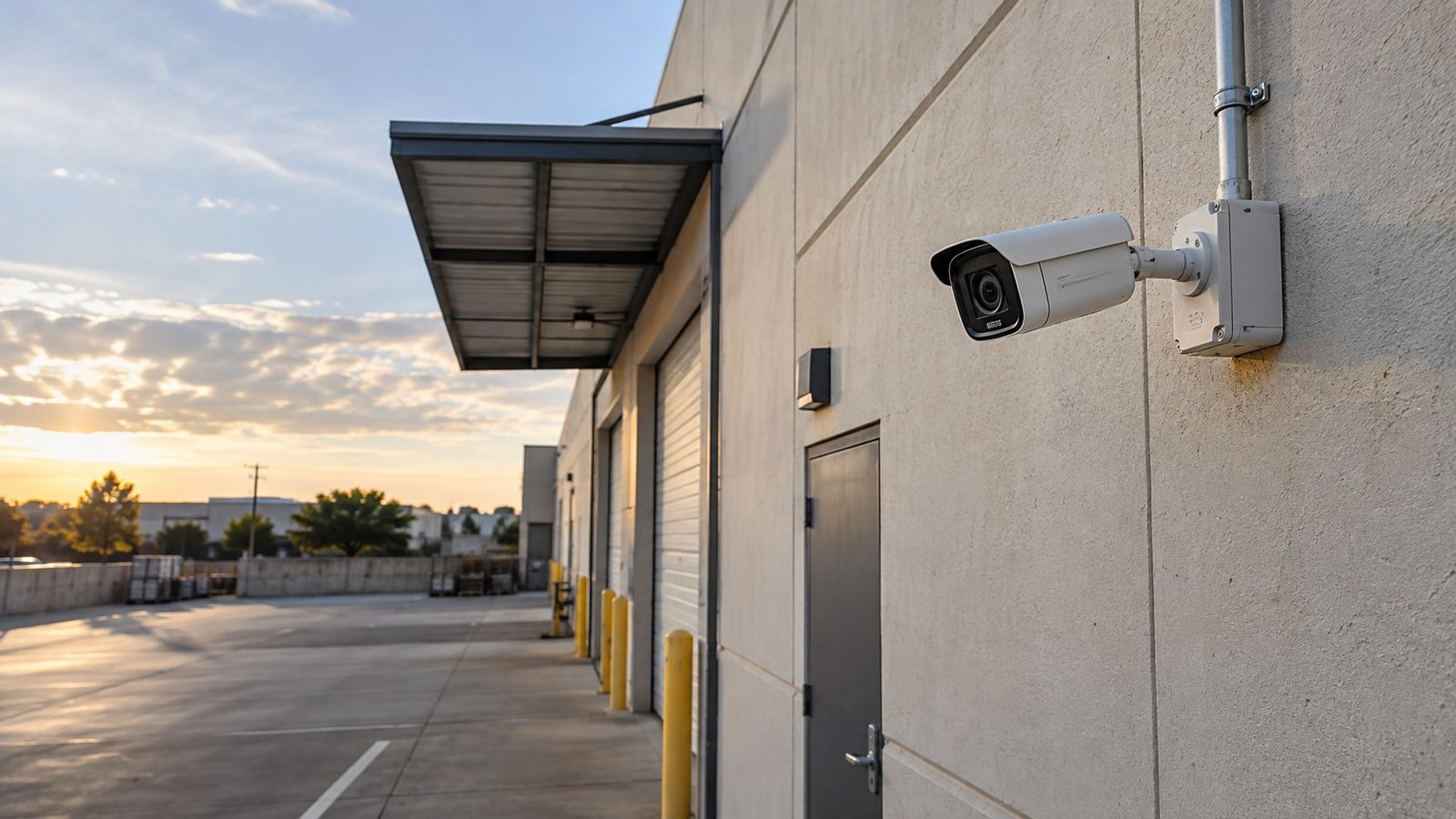
Understand the options
“Perimeter” can mean a building or an outdoor site
Doors and openings
Contacts can report when a monitored door, window, or gate opens. The event can feed an alarm or access-control workflow, depending on the equipment and configuration.
Outdoor boundaries
Depending on the site, detection may use outdoor sensors, beams, radar, thermal imaging, or camera analytics. Each technology has placement and environmental limits.
Camera-defined zones
Compatible analytics can detect people or vehicles entering a selected area. Video can help a reviewer understand what caused the event before taking the next step.
Plan the complete workflow
Detection is one part of the system
Define the event
Name the area, activity, and hours that matter. Separate scheduled deliveries from unexpected after-hours entry.
Review the event
Choose the camera view or other information a reviewer needs to understand the alert.
Route the alert
Identify recipients, coverage hours, backup contacts, and the actions available to each person.
Keep the record
Decide how events and relevant video will be retained, retrieved, and shared with authorized users.
Remote viewing, automatic alerts, and a monitored service are different capabilities. Any monitoring, coverage hours, event review, and escalation responsibilities should be stated in the project scope.
Before requesting a quote
Bring these details to a site assessment
- The doors, gates, fence lines, yards, or loading areas you want to monitor.
- Normal operating hours, delivery schedules, and authorized after-hours activity.
- Existing camera, recorder, alarm, and access-control equipment.
- Available power, cabling, network connectivity, and backup arrangements.
- Lighting, vehicle headlights, vegetation, obstructions, and seasonal conditions.
- The people responsible for receiving and reviewing alerts.
- Video retention, user permissions, and incident-documentation needs.
- Installation constraints, maintenance access, timeline, and budget range.
Ask the proposal to separate equipment, installation, software, storage, monitoring, and support. Confirm which existing devices can be reused after a compatibility review.
Example planning scenario
A warehouse loading-yard review
Illustrative scenario — not a completed PGC project or a claim of measured results.
A warehouse operator wants to know when people enter a loading yard after the final scheduled delivery. The first step is to map the pedestrian routes, vehicle entrance, loading doors, and camera views.
A possible design combines a defined after-hours camera zone with gate or door events where compatible. The team agrees on authorized delivery exceptions, who reviews an alert, and when a secondary contact is notified. Existing cameras are reviewed for positioning, image quality, and analytics support before replacement is proposed.
The acceptance review should include representative activity in daylight and darkness, normal vehicle movements, video retrieval, and alert delivery to the agreed recipients. The written scope records the selected equipment, test conditions, responsibilities, and any areas outside coverage.
Buyer questions
Perimeter alarm FAQs
Is a perimeter alarm the same as a burglar alarm?
A burglar or intrusion alarm may monitor both perimeter openings and interior areas. “Perimeter” describes the boundary being monitored; the proposed system may include several detection methods.
Can existing security cameras be used?
Sometimes. PGC reviews the camera model, field of view, image quality, network, recorder or video platform, and supported integrations. An existing camera does not automatically support every analytics feature.
Will every alert mean an intrusion?
No. Weather, lighting, insects, vegetation, obstructions, and normal site activity can affect detection. Equipment selection, configuration, testing, and maintenance help manage nuisance events, but no system guarantees perfect detection.
Does an alert automatically result in an emergency response?
No. The response depends on the selected service, configured workflow, coverage hours, and applicable procedures. Ask who reviews an event, who is contacted, and which actions are included before choosing a monitoring arrangement.
What should PGC review at a DFW property?
Share the property location and type, the boundary or activity you want to monitor, existing equipment, operating hours, and desired timeline. PGC can review camera coverage, access points, alarm needs, and integration options as part of a practical security technology plan.
Technical background: Axis perimeter-security overview and Axis installation and detection guidance. Capabilities depend on the selected products and site conditions.
Plan around your property
Connect cameras, access events, and alerts
Powerhouse Guardians helps Dallas–Fort Worth businesses review existing security infrastructure and plan practical camera, access-control, and alarm integrations.